Account Prerequisites: Applicable to multi-location accounts with Agency Tools and Settings enabled.
Overview
Agency Tools help you, as an agency, interact with your clients and prompt them to take action to improve their business health online.
In addition to your workspace, you can set up:
- A white label dashboard for your clients to log in to the application.
- Email notifications to engage with your clients.
- A Scan Tool, as a listing scanner and lead generation tool.
Accessing your Agency Tools
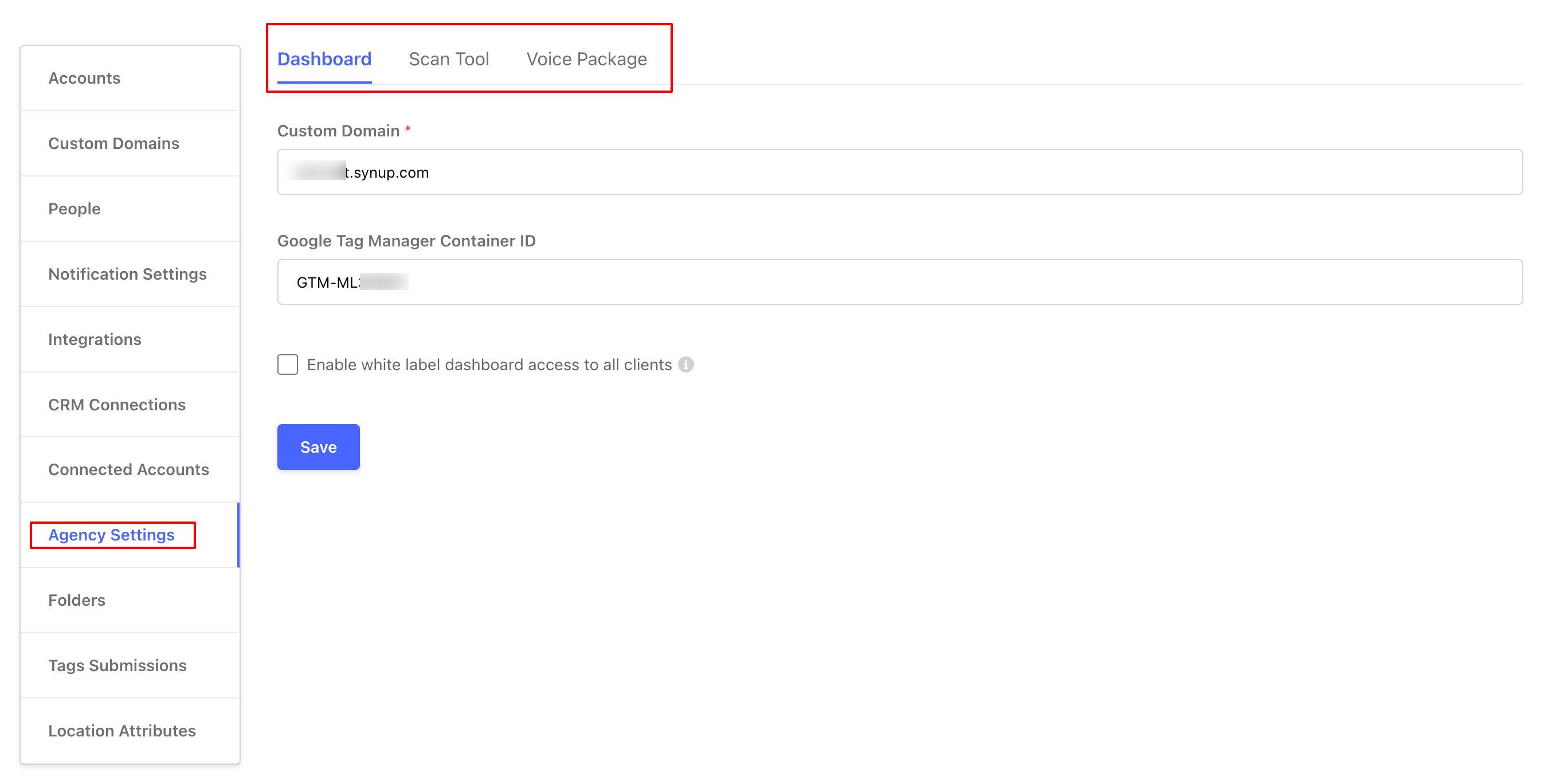
You can access your Agency Tools under the Account Settings tab, displayed in the overhead navigation bar.
Navigate to the Account Settings tab. Select Settings from the drop-down and choose 'Agency Settings' From the right Navigation Panel. Your Agency Tool settings are displayed on the right.