We'll cover
Add your Profile Information
Create your profile. It will be visible to your colleagues and your contacts.
Navigate to Settings > My profile
Add your name, your photo, phone number & signature
Add your Company or Organisation details
Navigate to Settings > Company Info
Add your Company name and Company address.
Add your Company's Localisation
Navigate to Settings > Workspace Settings
Set your Timezone, Date & Time Formats and Currency Formats.
Setup Currency
Navigate to Settings > Currency > Add currency
✍️ Note: When dealing with multiple currencies you can make one currency as default. When you do not provide a currency, Clientjoy will automatically choose the default currency. You can make any one currency default by choosing "Make as default" from the options available next to each currency.
Setup Taxes
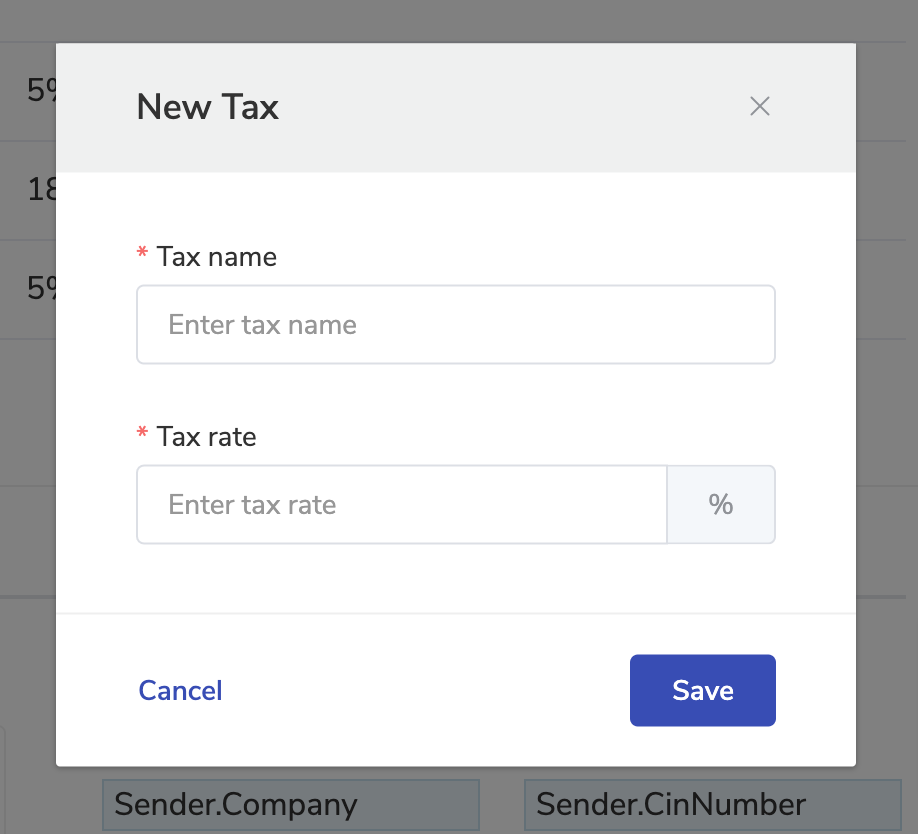
Navigate to Settings > Invoices > Taxes
Click Add new Tax button
Add your Tax name and percentage that you'll be using in your Invoices