FaceBook Bulk Connect Troubleshooting
Sometimes, it may so happen that the Facebook Bulk connection may not work. Reasons may be many; however, the primary concern could be that when connecting a single Facebook account, the required permissions or authorizations may not have been granted. So when you now try to bulk connect FB pages, the authorization permission replicates.
In this case, you will need to disconnect your already connected Facebook account and then re-authorize the permissions.
Follow the steps added below to troubleshoot this.
On the standard Facebook business page, go to settings.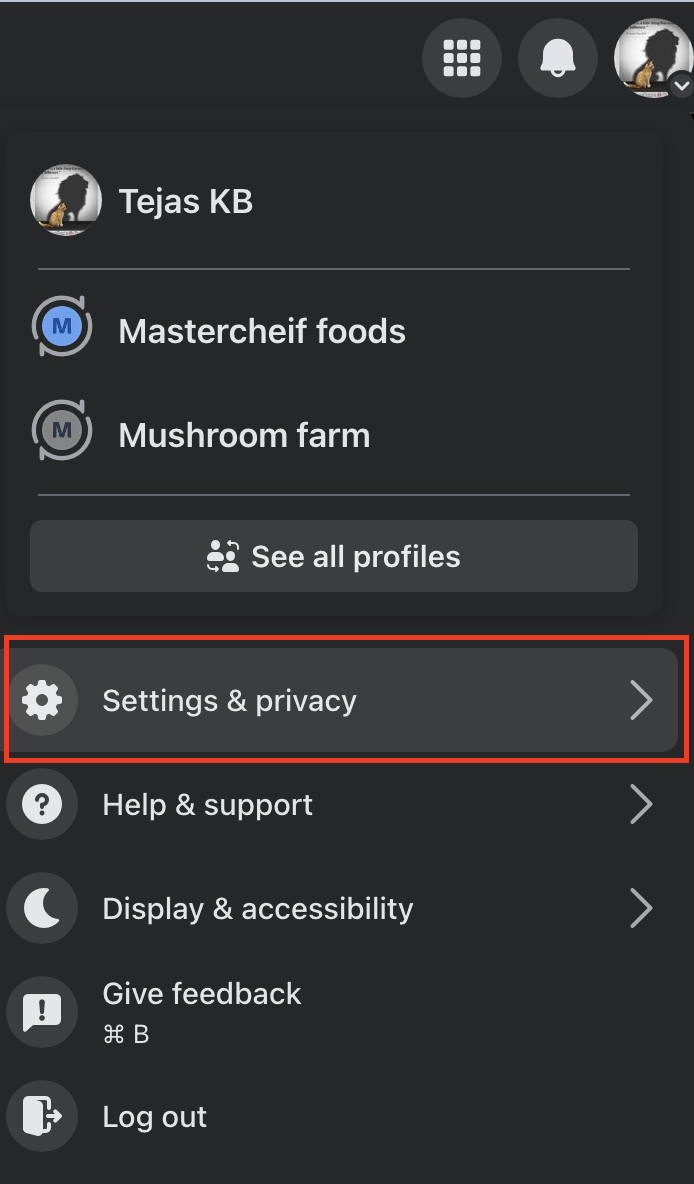
And then select Business integrations.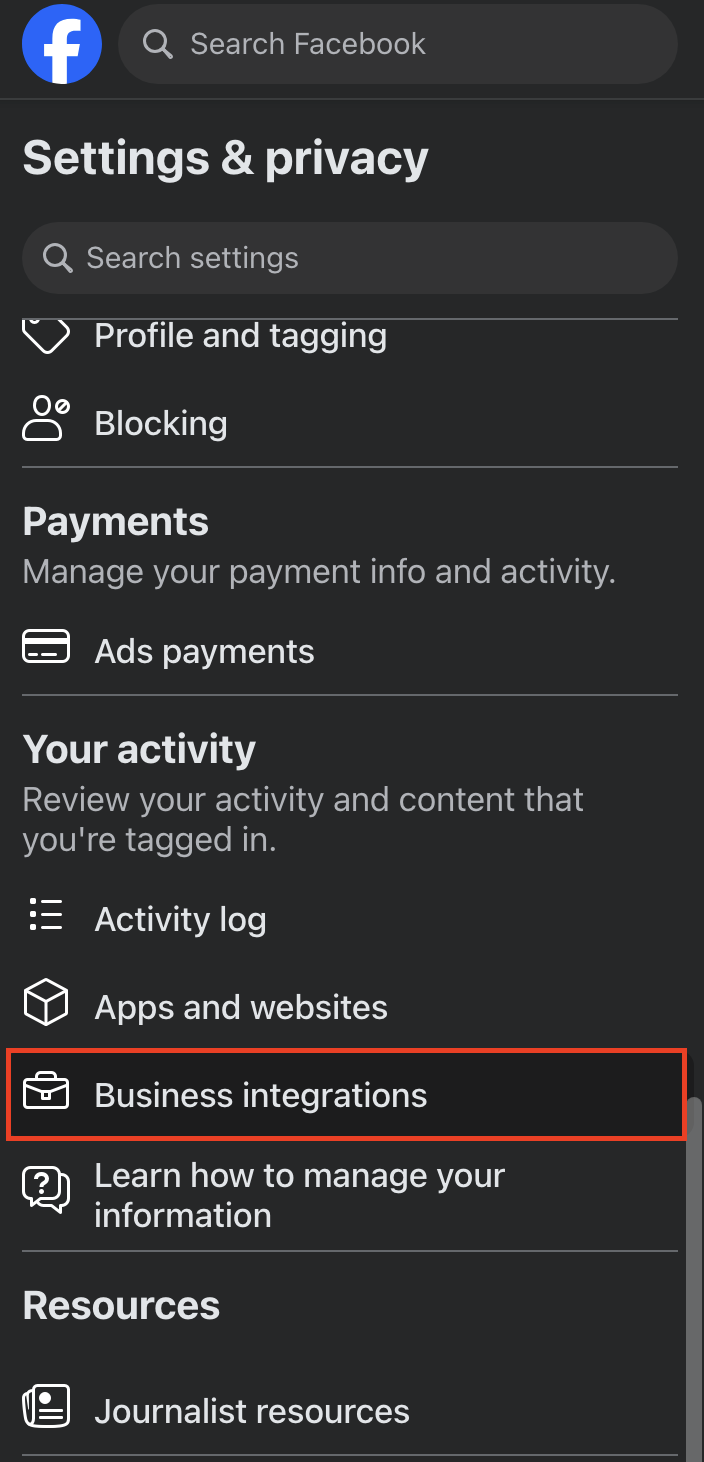
Here you will see the active integrations for VerifymyBiz.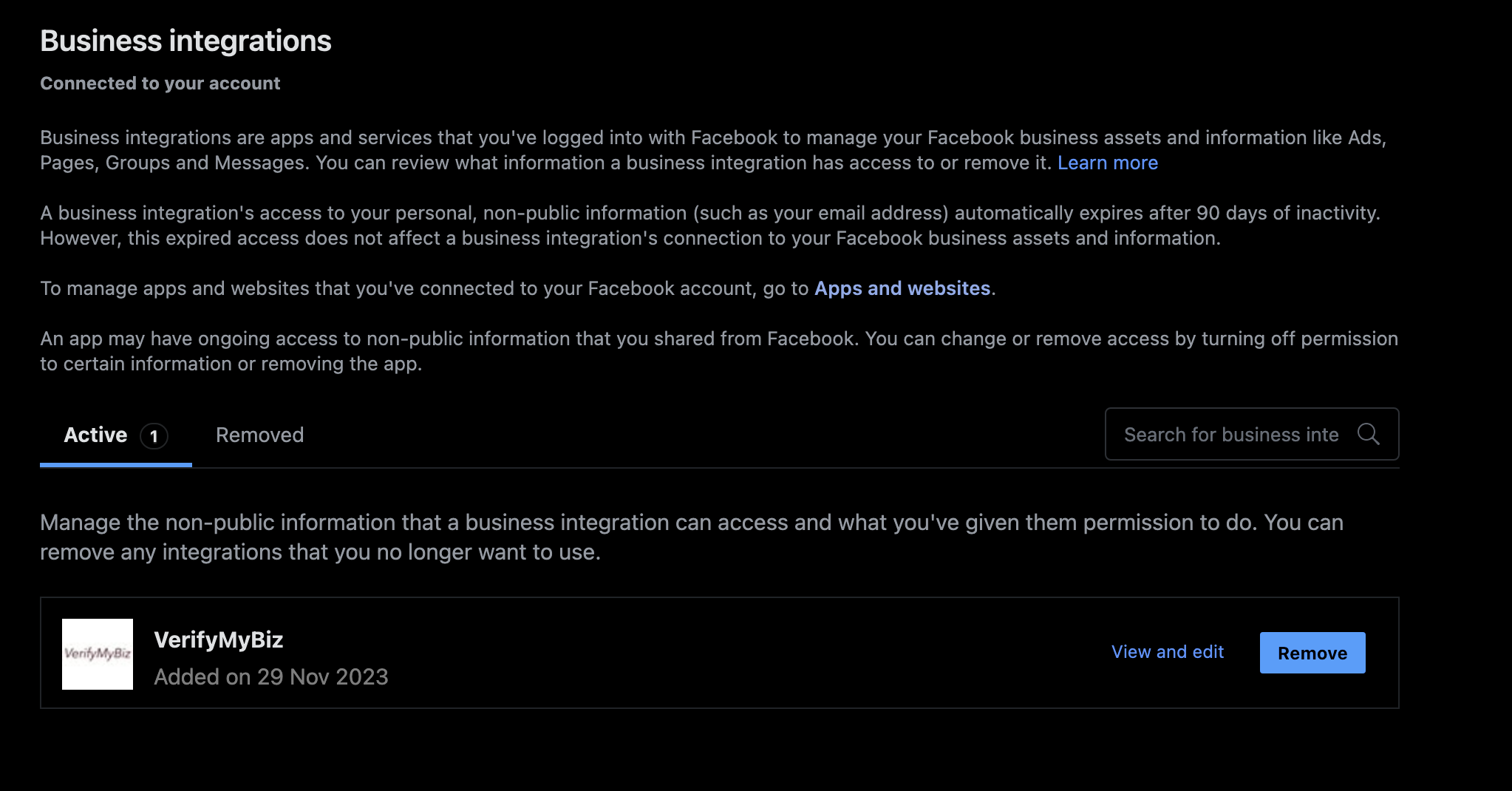
Click the checkbox and remove the integration.
Once you have done this, go back to the Synup dashboard and disconnect the already connected Facebook account, and then reconnect it again.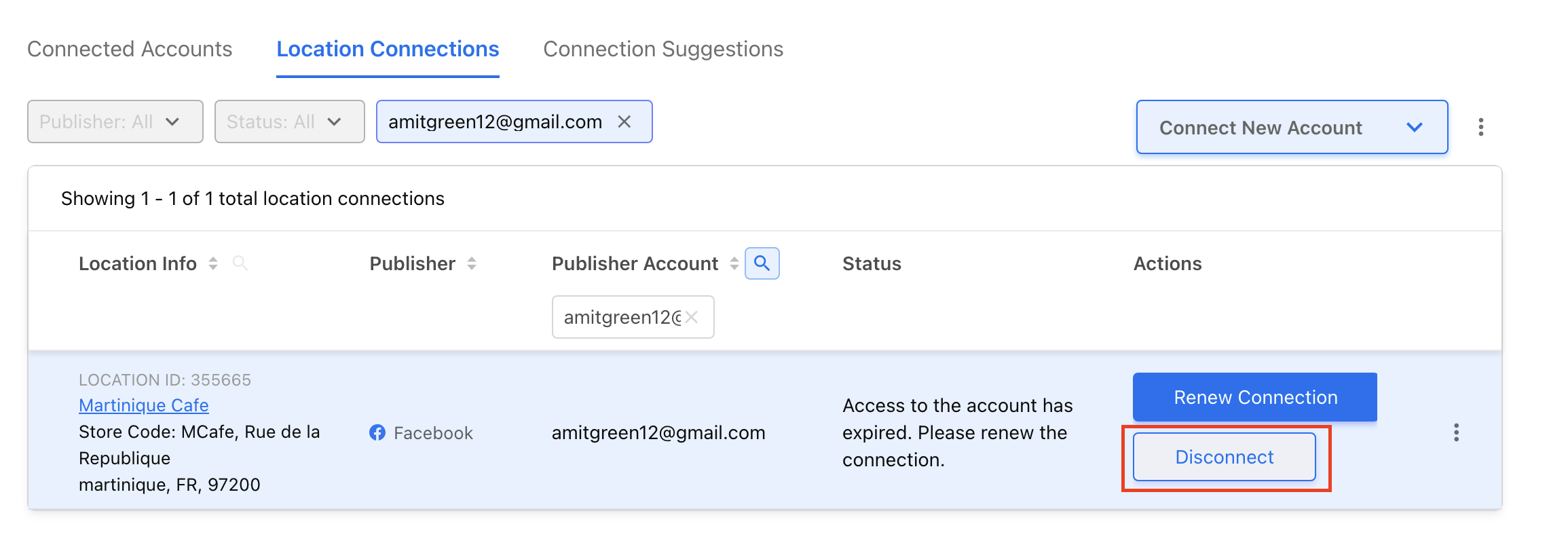
Click disconnect to confirm your actions.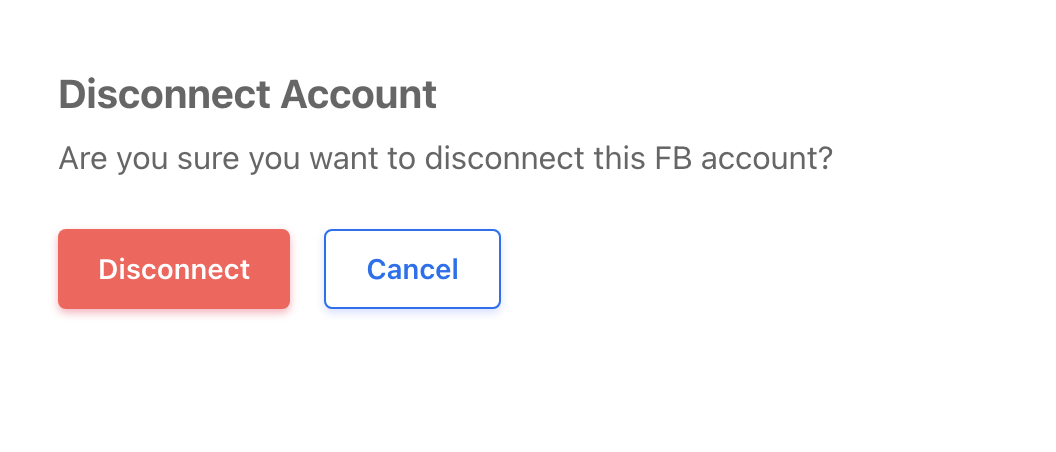
Learn how to reconnect your accounts here.