If you do not have a business Listing for a location, here's how you can create one from your dashboard.
When attempting to connect a Location for your dashboard, you will be prompted to create a new Business on Google if there aren't any existing Locations in your account. 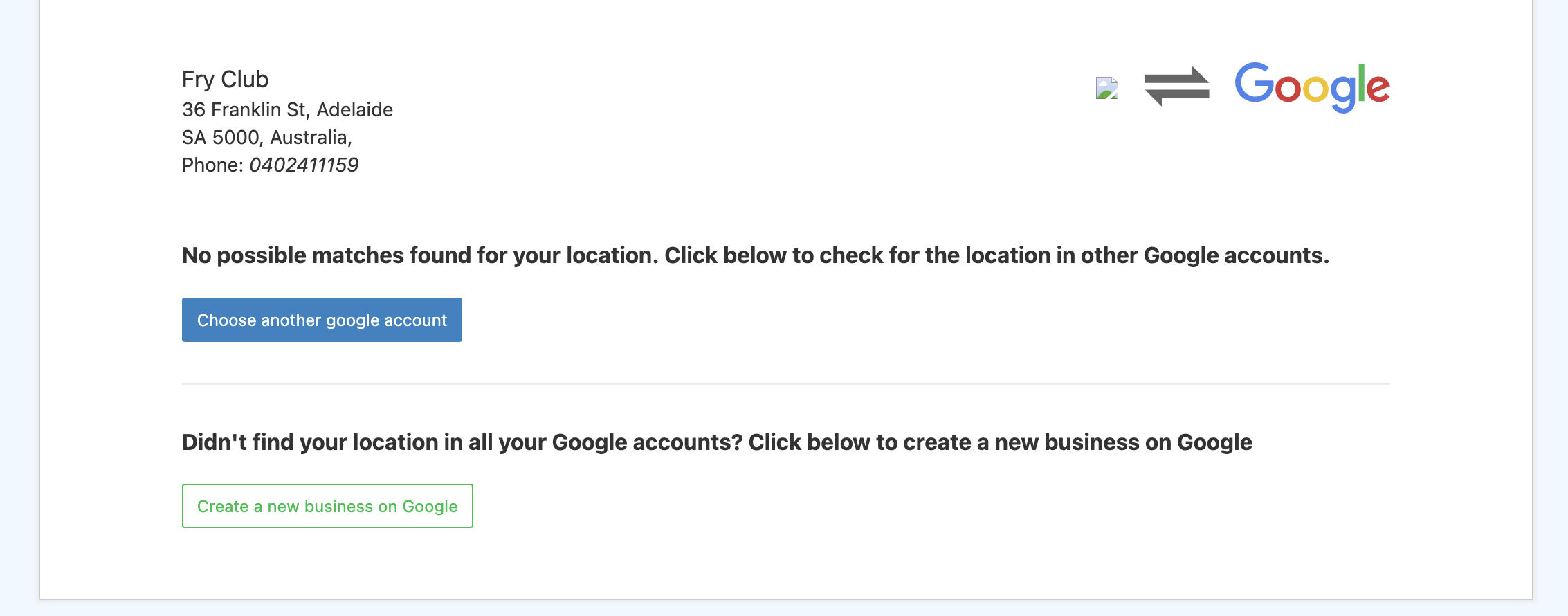
You will receive a new MyBusiness Account ID

Select the Account ID to proceed and click Create a new business on Google.
Once you have created a new business on Google, you will be redirected to the dashboard. Ensure that this new business is verified before you attempt to connect your account.
Once you have created a new GMB account & listing, be sure to verify your listing, else the listing connection will be unsuccessful. To learn more about verifying a GMB location, read this article.