The standard rating for a positive review is set by default to 3 stars and above. However, as part of managing your reviews, you can choose to define a positive review in accordance with a standard more appropriate to your business type.
To change the Review Criteria:
- Use the Navigation Picker to select a location for which you would like to manage reviews.
- Click on the Reviews ->All reviews tab to view accumulated reviews from our Publishing Partner Networks.
-
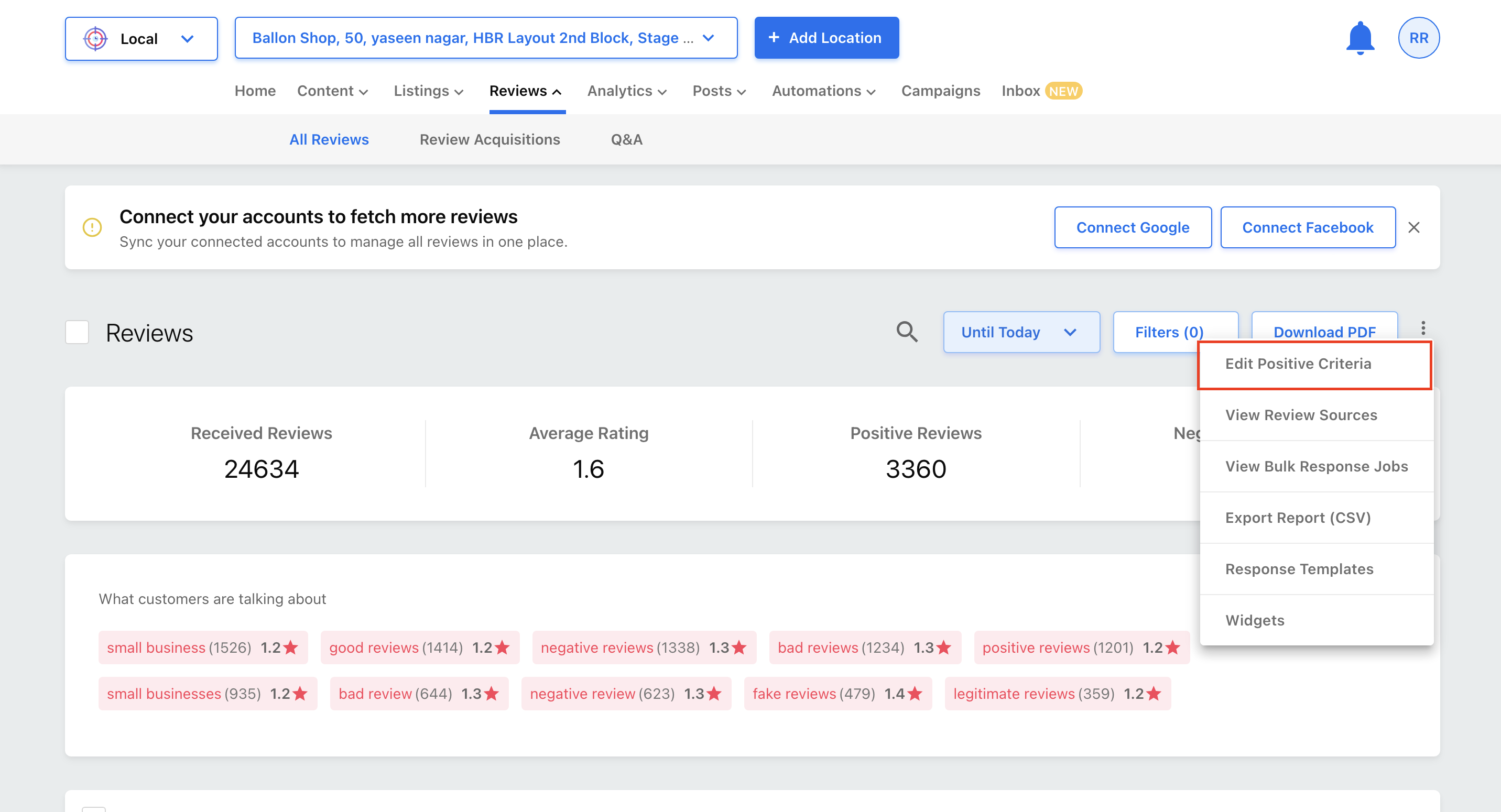
Now click on More Options (three vertical dots) and select Edit Positive Criteria.
Use the drop-down picker to select a rating and click Save to save changes. 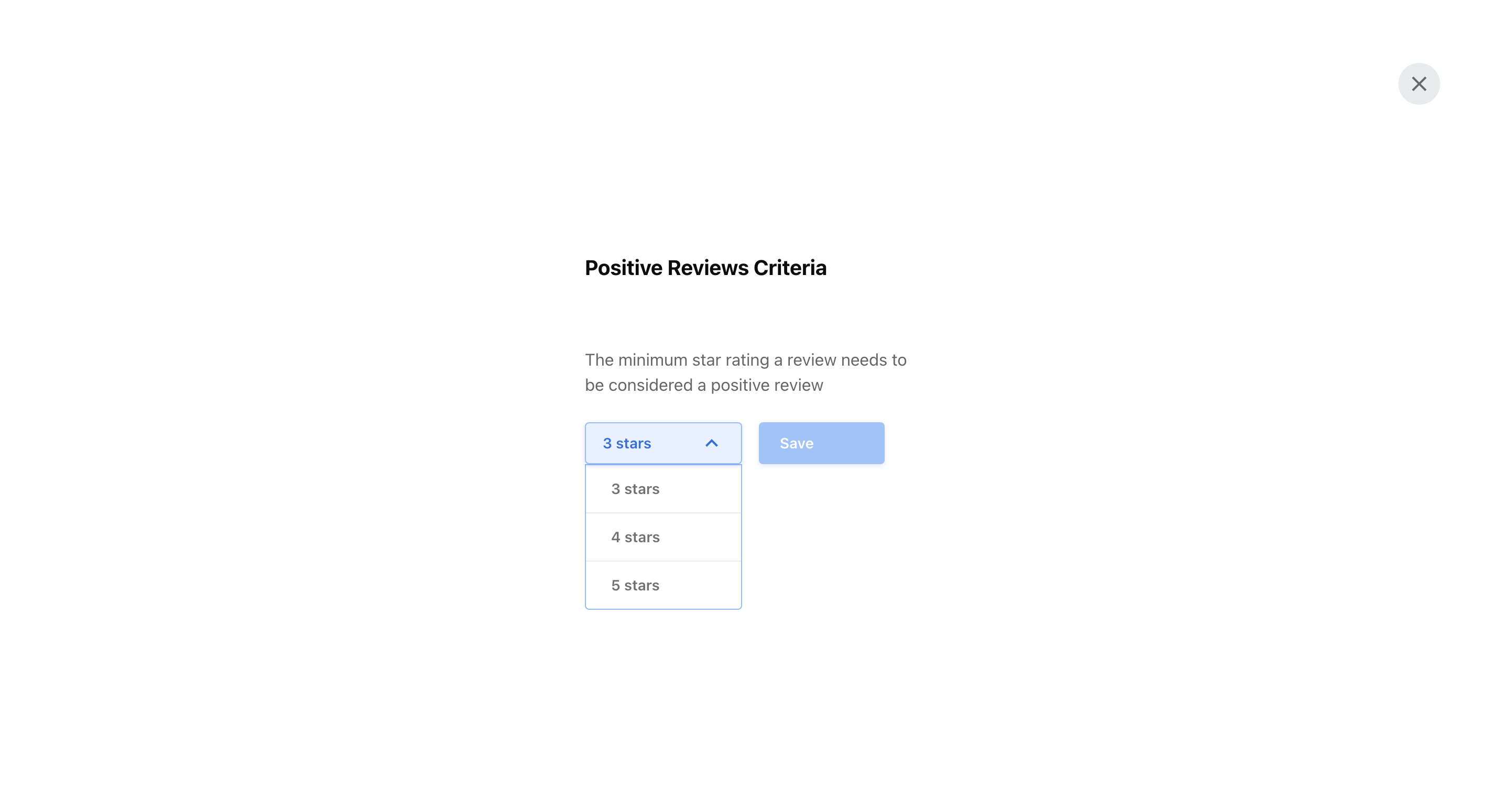
The rating you set here will define positive reviews for this Location.