From the location manager page, select the location for which you want to remove publisher overrides.
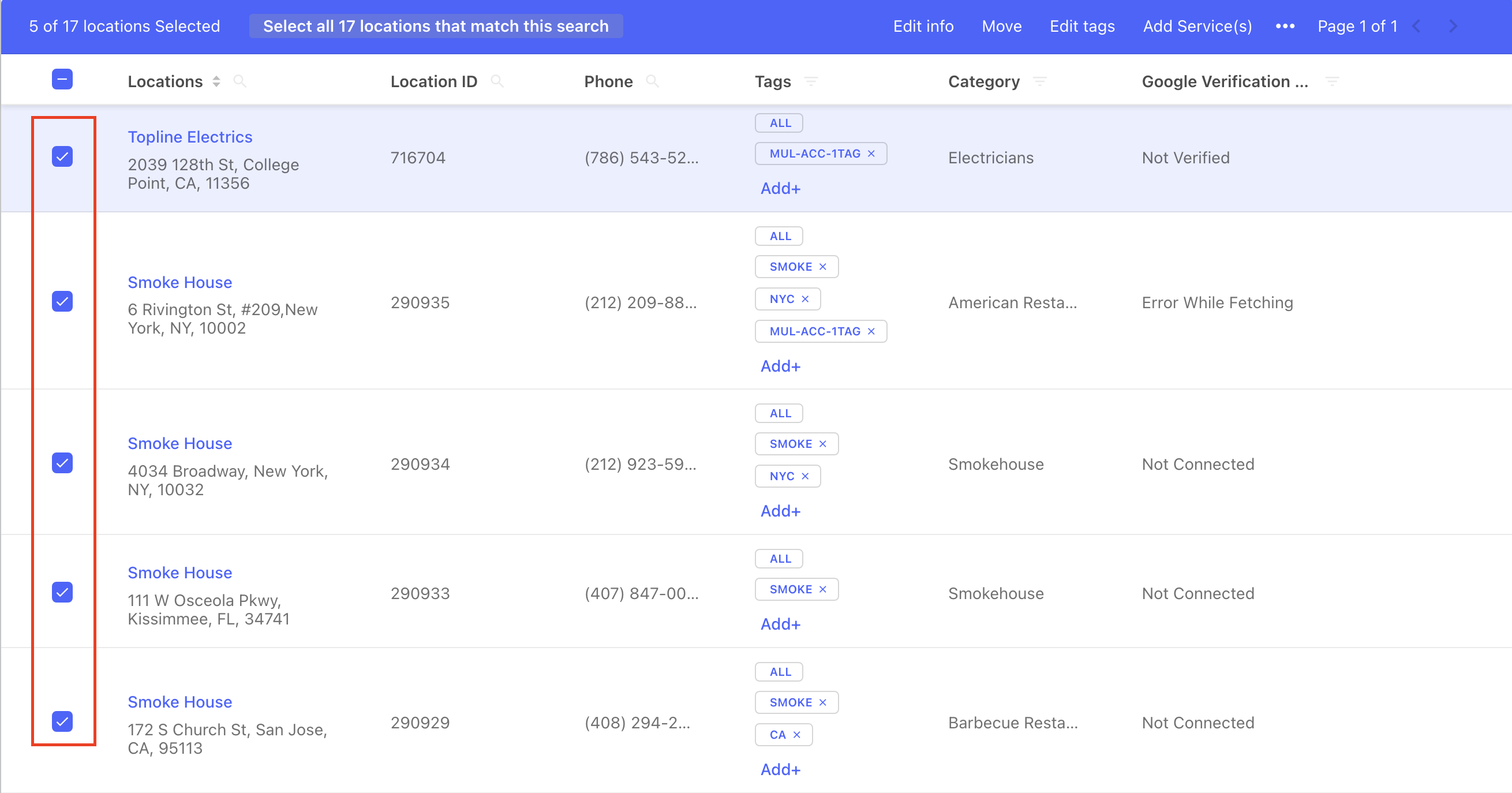
Then click on edit this location.
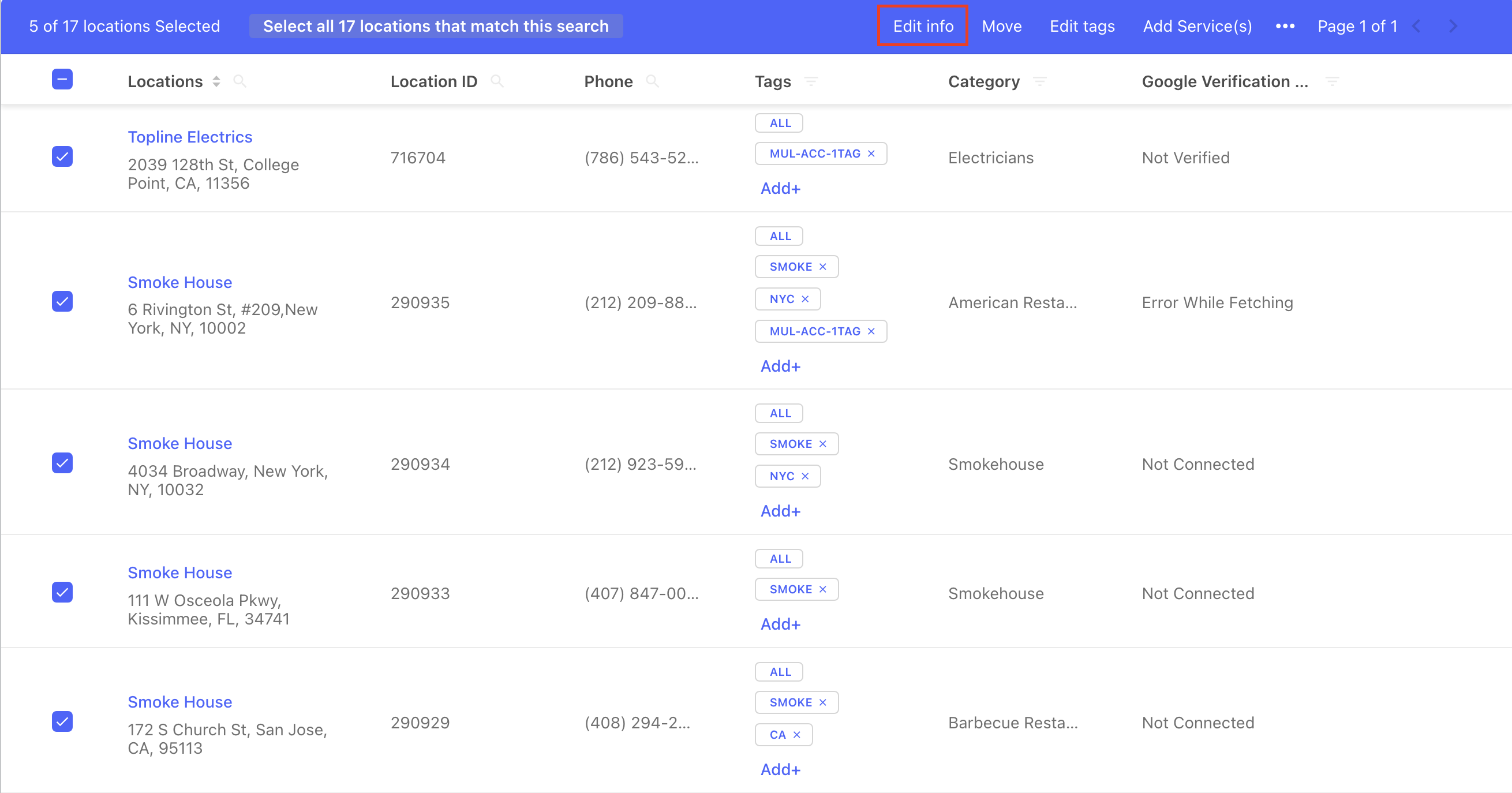
This will open the edit location page, where you can scroll down to the publisher overrides section.
You will notice that the override attributes that you have added are visible in the publisher overrides section. Select the Edit button to make changes to the already added overrides.
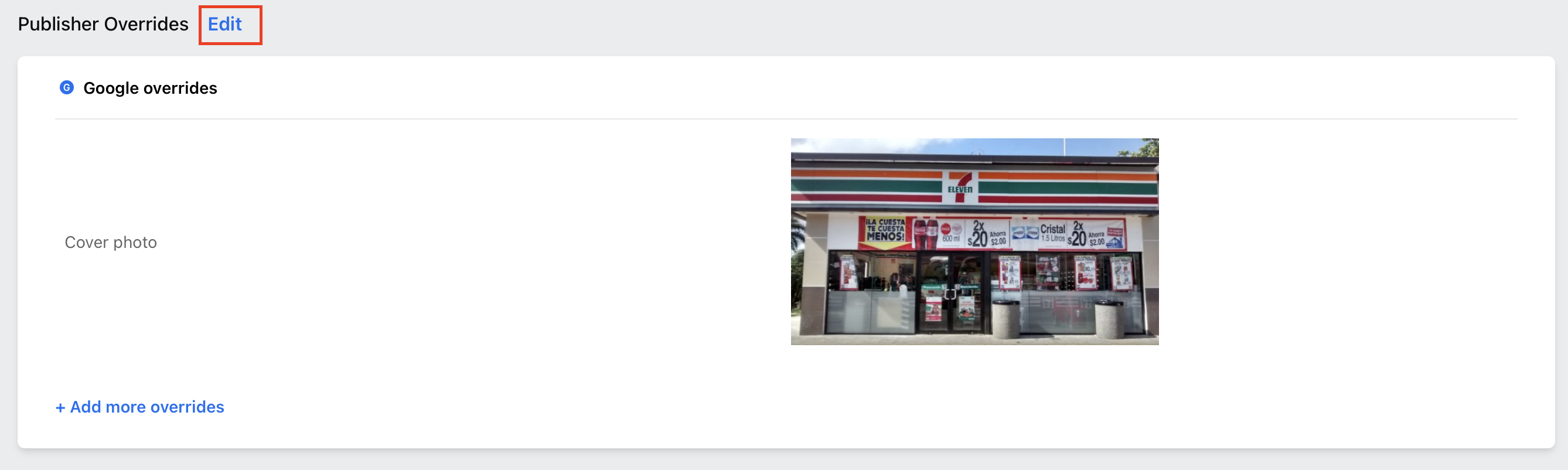
Once you hit edit, you can remove the added publisher overrides by clicking the ‘X’ icon.
Then click save to remove the publisher overrides previously added.