You can update your card details associated with your account at any time from the Account settings option.
To update your card payment information:
Click the Account Settings tab displayed in the overhead navigation bar and access Billing.

Access the Overview tab from the side navigation panel.
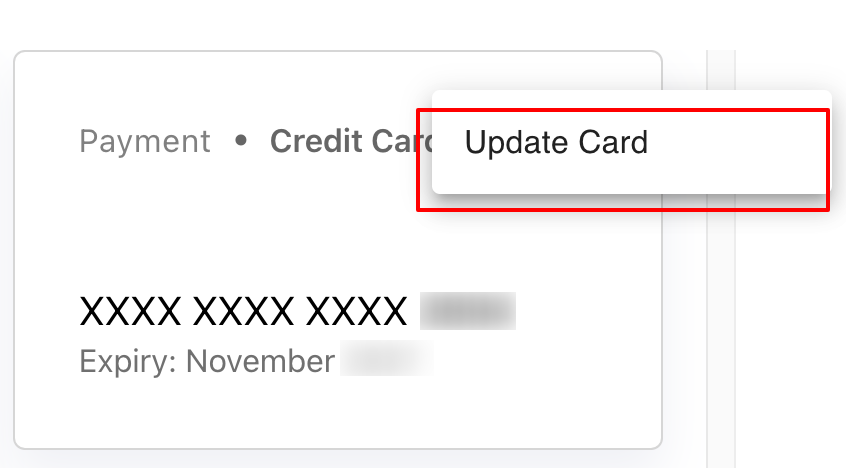
In the Payment information panel, click the More Options button (three vertical dots) and click Update Card.
Edit your card details and click Update Card to save your changes.