New sites are being added to your premium listings page.
Regions for which can you see these partner sites
Uber - Applicable for regions US, UK & CA
Lyft - Applicable for regions US & CA
Waze - Applicable for regions US, UK & CA
Understanding the sync status for Uber, Lyft & Waze.
Once you have added a new location to your Synup dashboard, the status published against these sites will reflect as ‘Submitting to Partner.’
- When a new location is added to the dashboard
- The Google account is connected and the sync is in progress.
Allow about 24 hours for us to scrape your GMB connect information. If your GMB account is not connected to the location, the sync status displayed will be ‘Please connect Google account.’
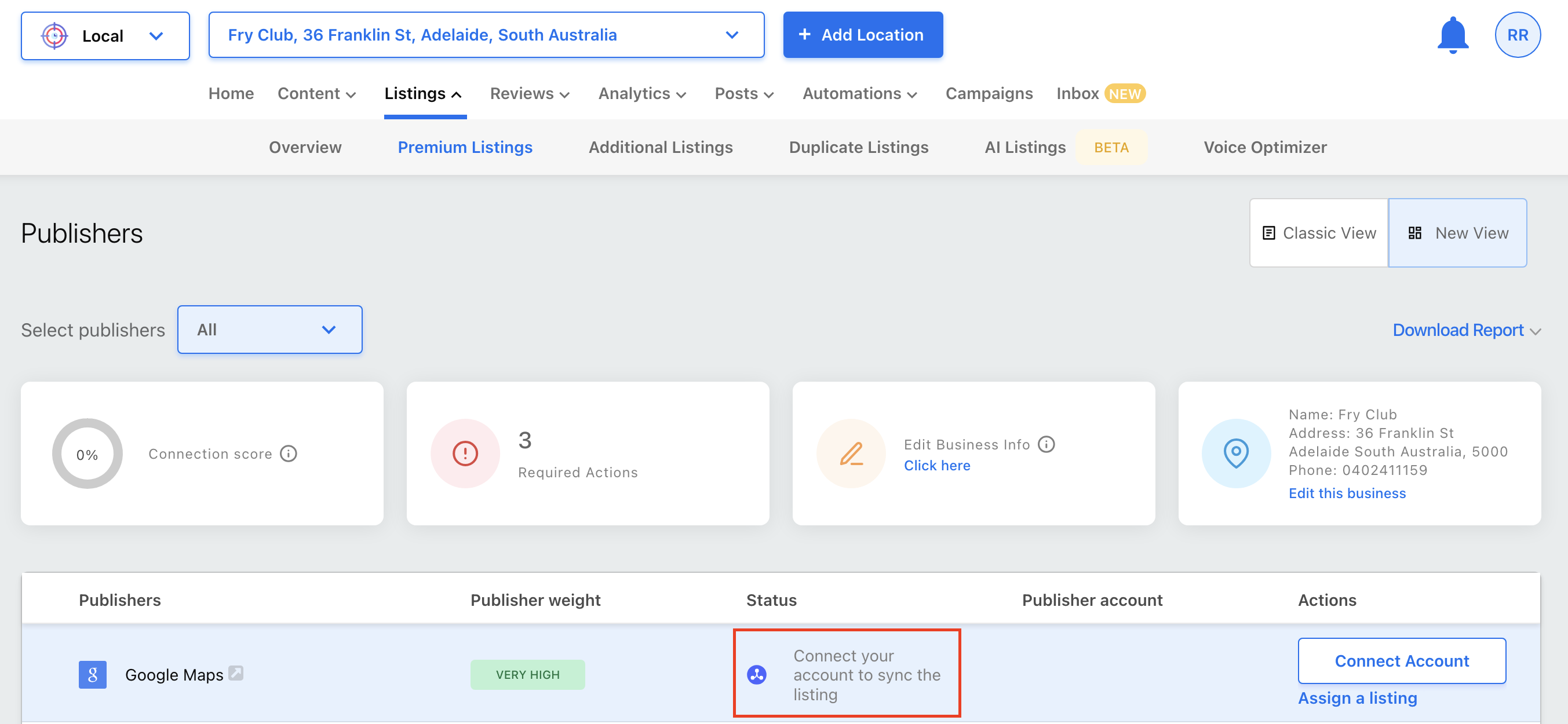
To learn more about connecting your Google account to your location, check this article.
Once the location information is successfully submitted, the sync status will reflect as ‘Synced’ with a green checkmark to confirm the successful submission.
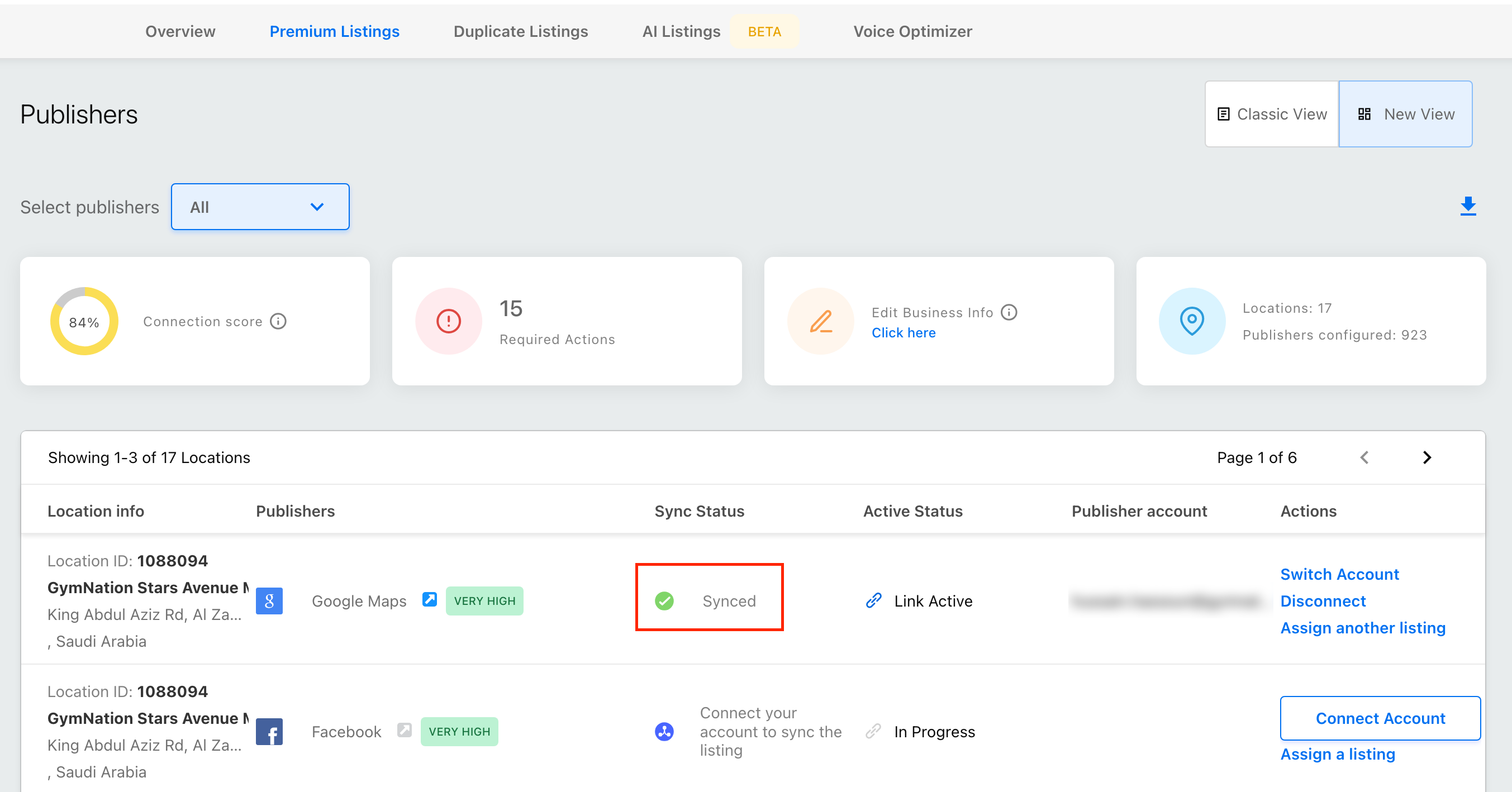
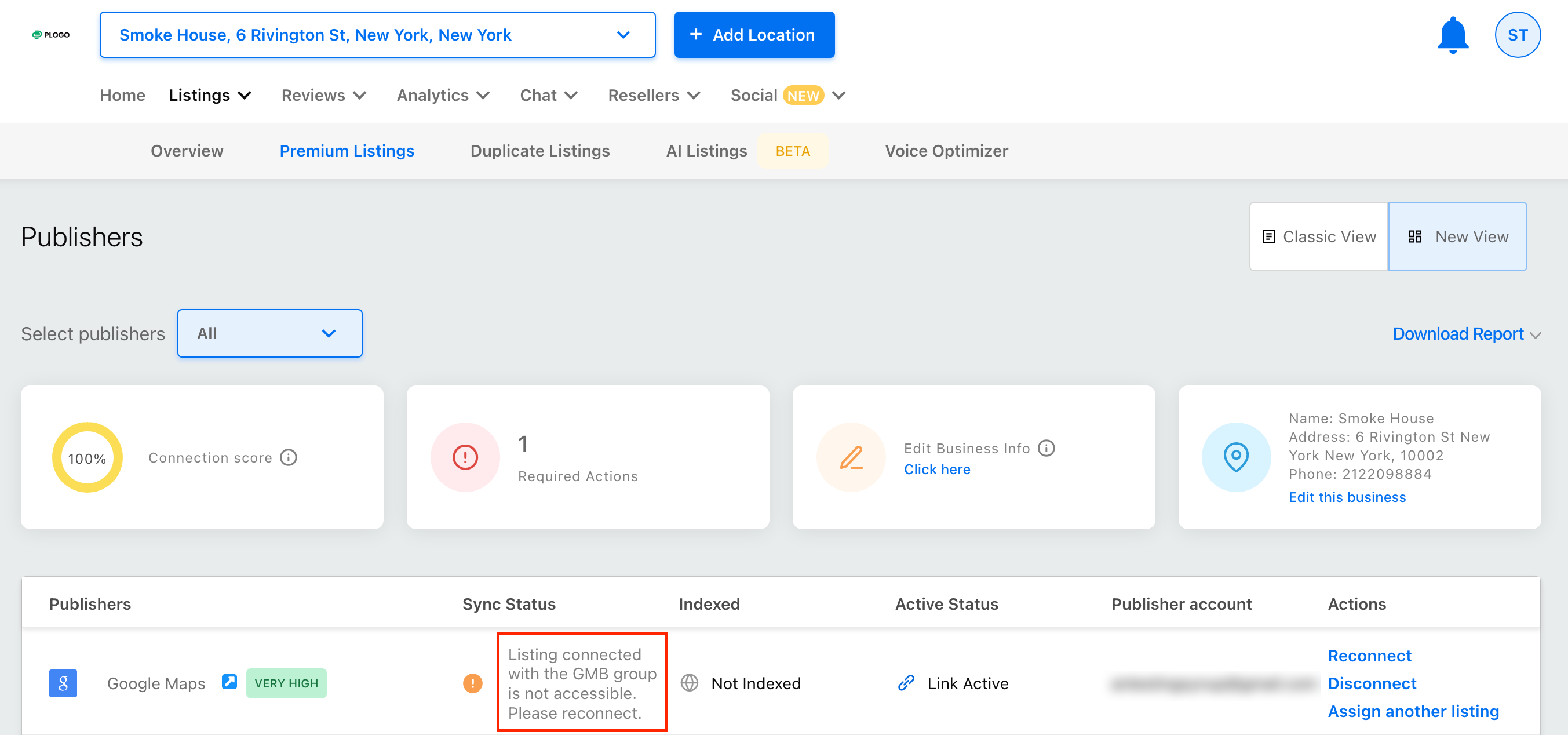
To learn more about troubleshooting GMB issues, refer to this article and navigate to the section for troubleshooting GMB issues.
Some limitations and points to note:
- These partner site submissions will happen once the valid Google credentials are connected for the respective locations.
- These sites will not appear for locations that are ‘service area businesses/SABs.’ Locations for which the hide address option is selected, partner site submissions will not be made for them, as they do not support SABs.
- The sync status for these sites is published once every 24 hours. Consider a situation where you have successfully connected the Google account for a location; although GMB will immediately sync, the sync status for Uber, Lyft & Waze will be updated only the following day.
- If you are our agency partner, note that these sites will not be visible on the Scantool.