You can connect your Gmail / Outlook email to sync it with Clientjoy's mailbox and Calendar.
Navigate to Settings > Connected app
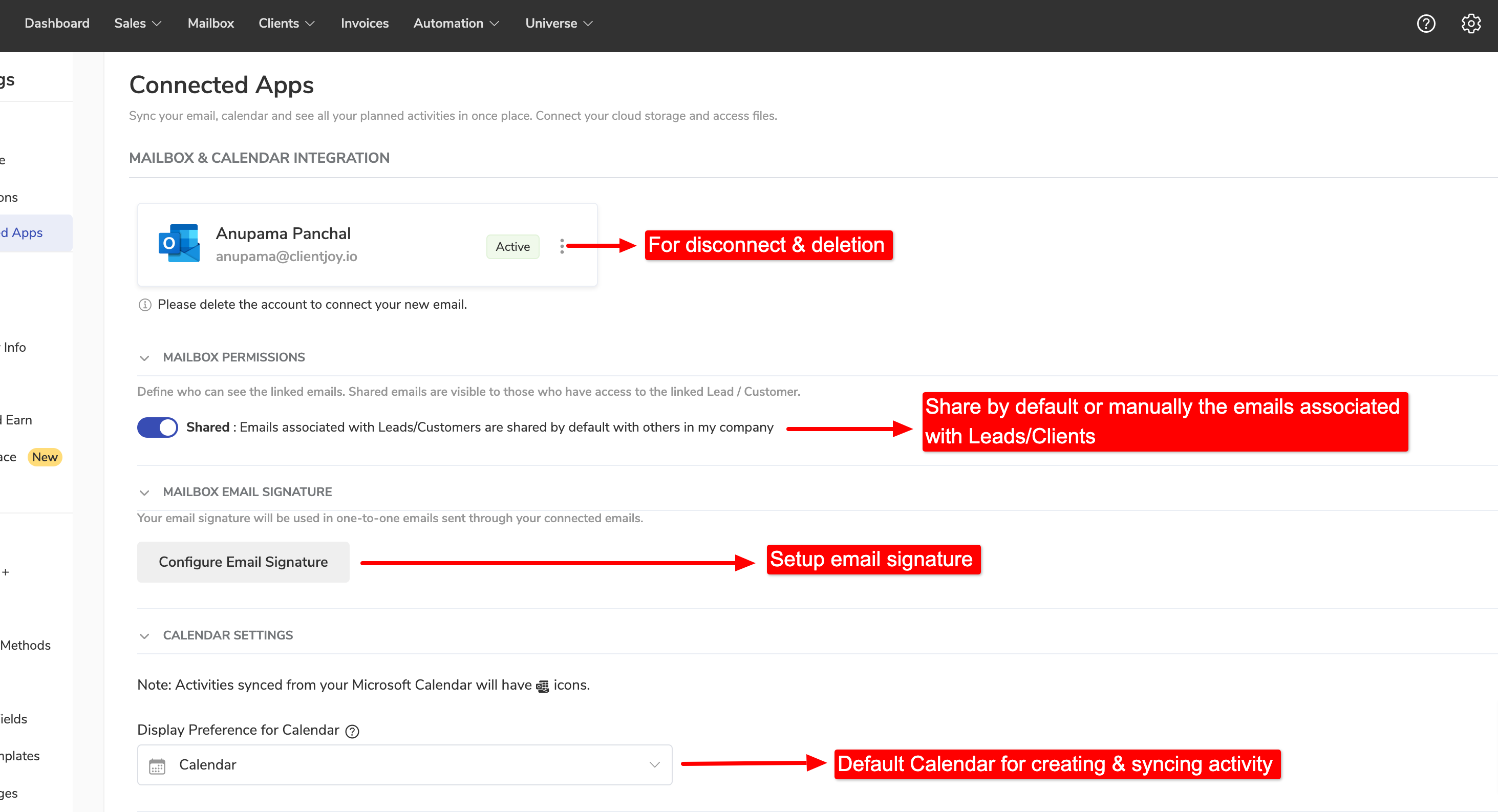
Choose your Mailbox provider and complete the steps.

Once your email inbox is connected inside Clientjoy. Your emails & calendar will be synced in few minutes.
Note ✍️: Calendar will be synced only for Google and Microsoft accounts. For IMAP only emails will be synced.
Note ✍️: Emails associated with Leads/Customers are shared by default with others in your company. You can change the default settings from Email settings.