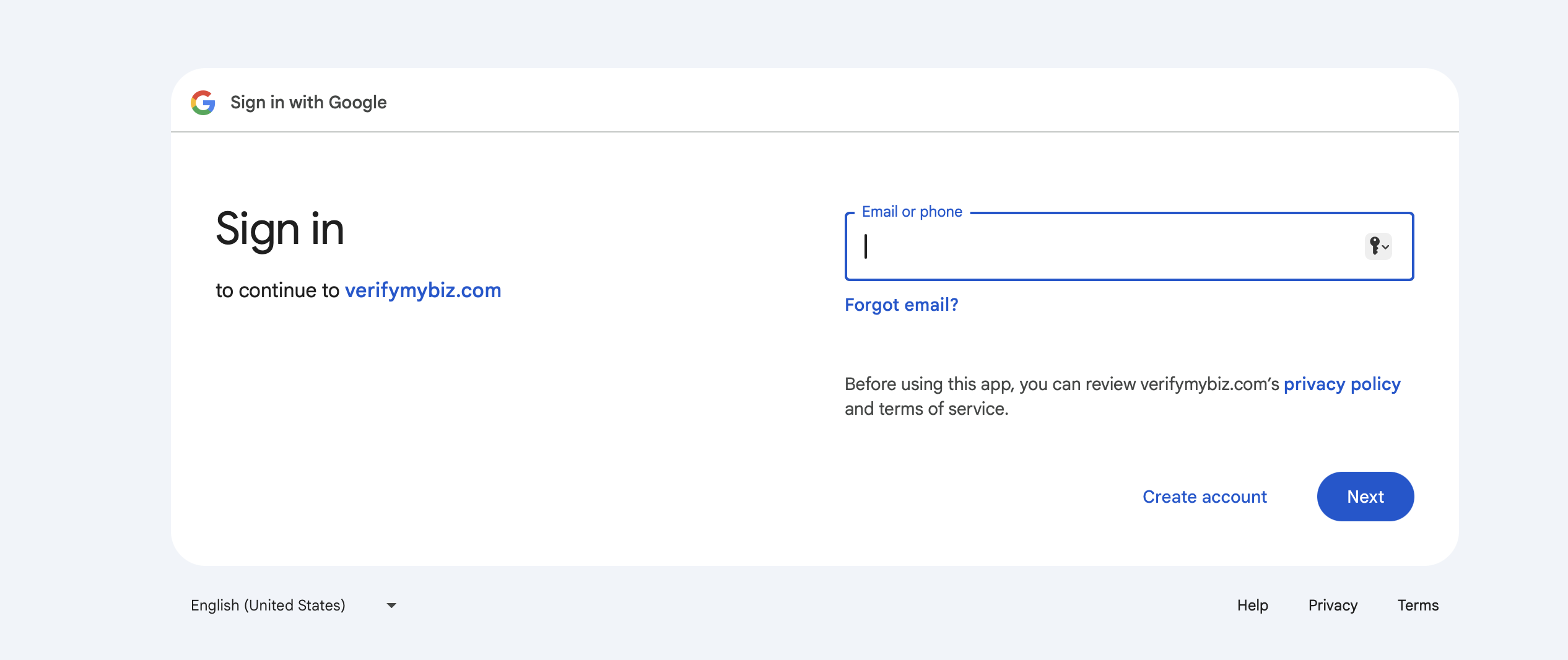
Once you have created a new GMB listing, login into your GMB account you will be able to access a list of business locations added to your Google My Business account.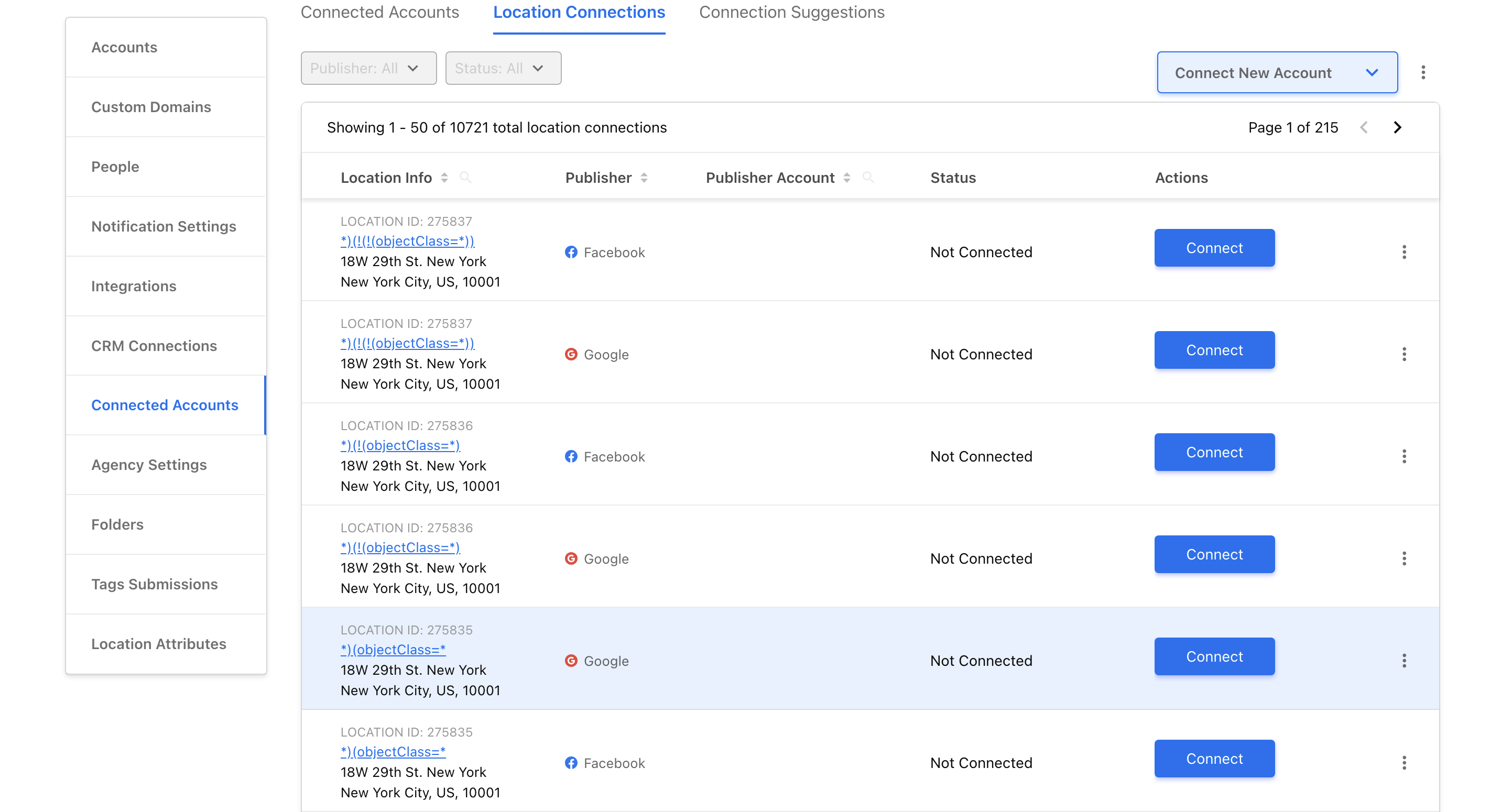
Click the Get verified CTA button displayed alongside a location you want to verify.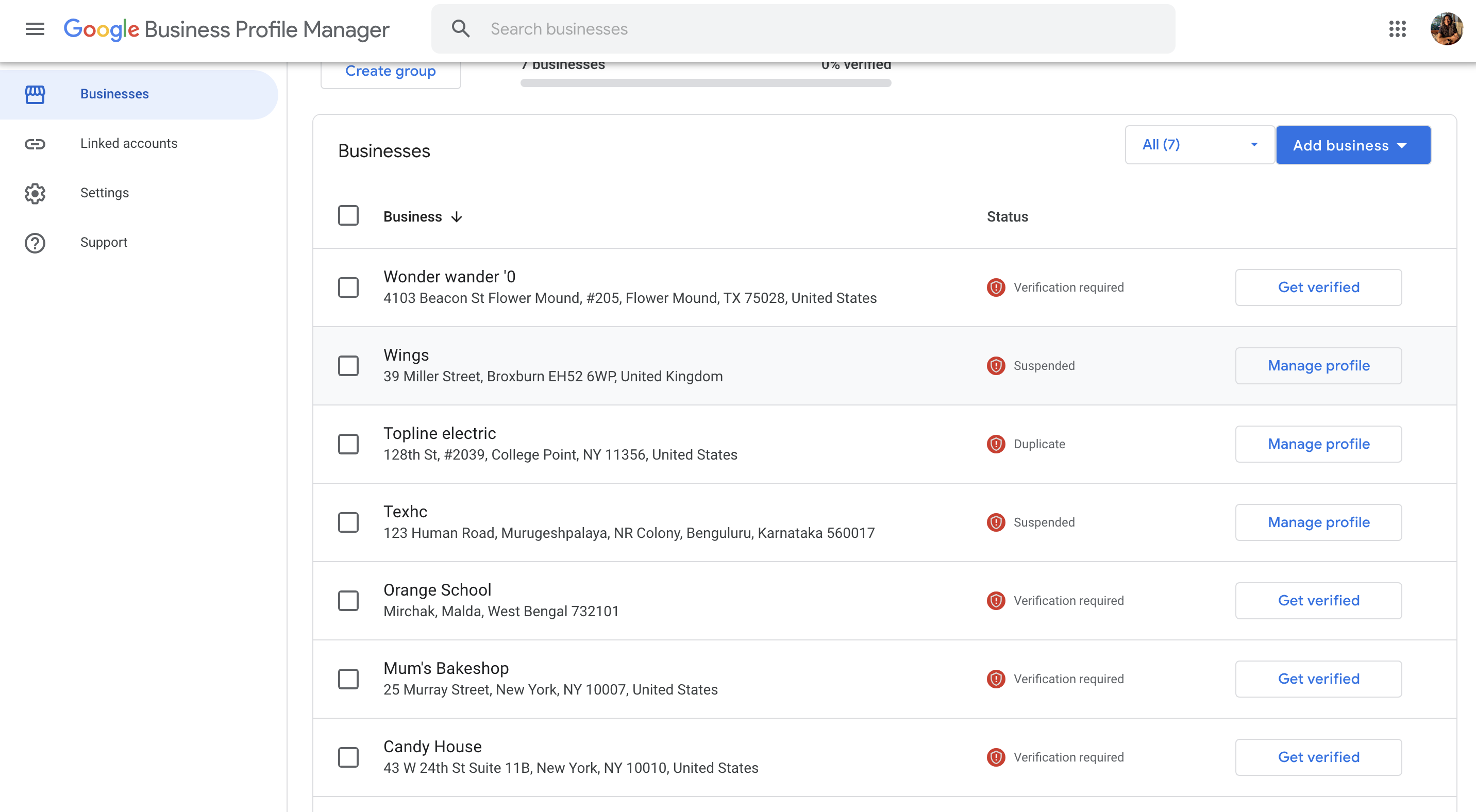
You can choose to verify your business by either of the following procedures:
- A call or text on the number registered with your Google Account, or
- An email to the registered email address.
- Verify with a postcard.
- Choose to verify later or
- Bulk Verification
Enter the 6-digit OTP received via call/text or postcard.
Note: The verification process via a call or text is immediate. However, receiving a verification code via a postcard can take up to 12-14 days.
Note: Phone verification is not available for all locations, it differs from one location to another.
To learn in detail about all the verification options, read this article.