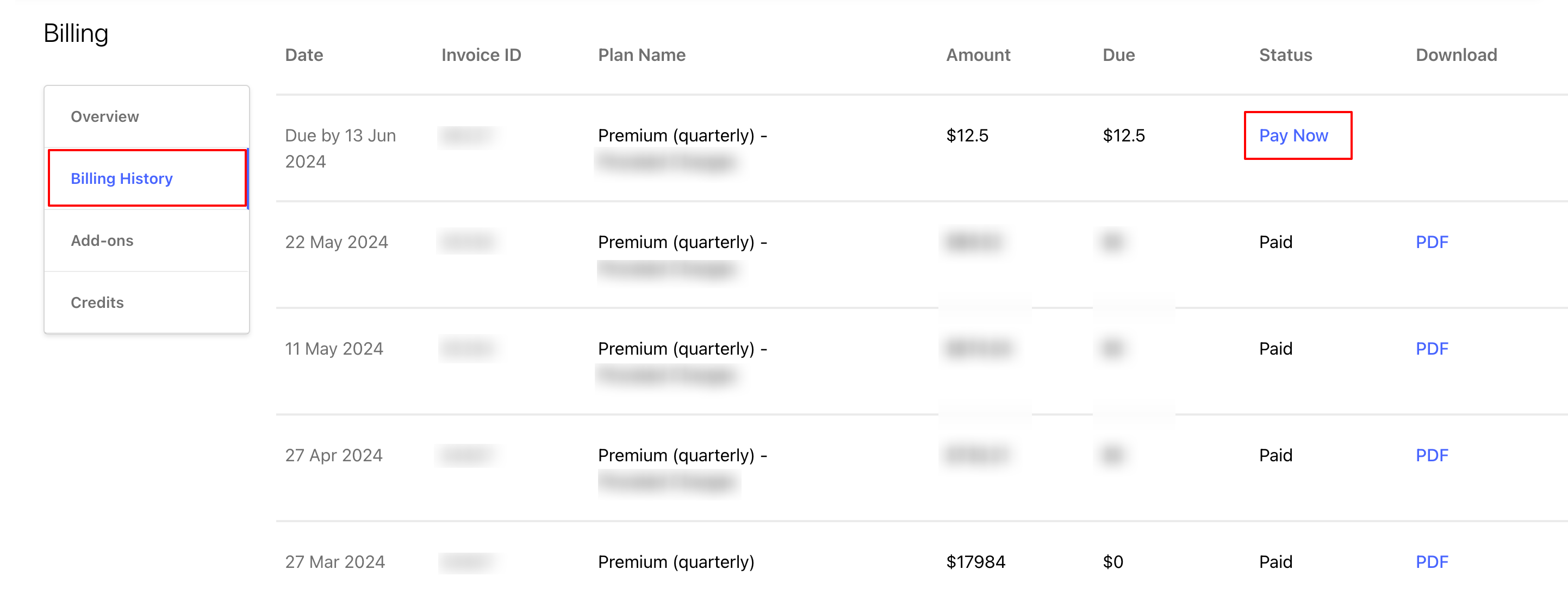
You can access records of all your account invoices from the Billing Information section.
Click the Account Settings tab displayed in the overhead navigation bar and access Billing, then select Billing History from the side navigation panel.
You can access all account invoices from this space. To download an invoice, click PDF from the Download column.
In case there are any outstanding/prorated charges on your account, you can pay them immediately with the Pay now option, instead of waiting for the charges to be added to your next month’s billing.