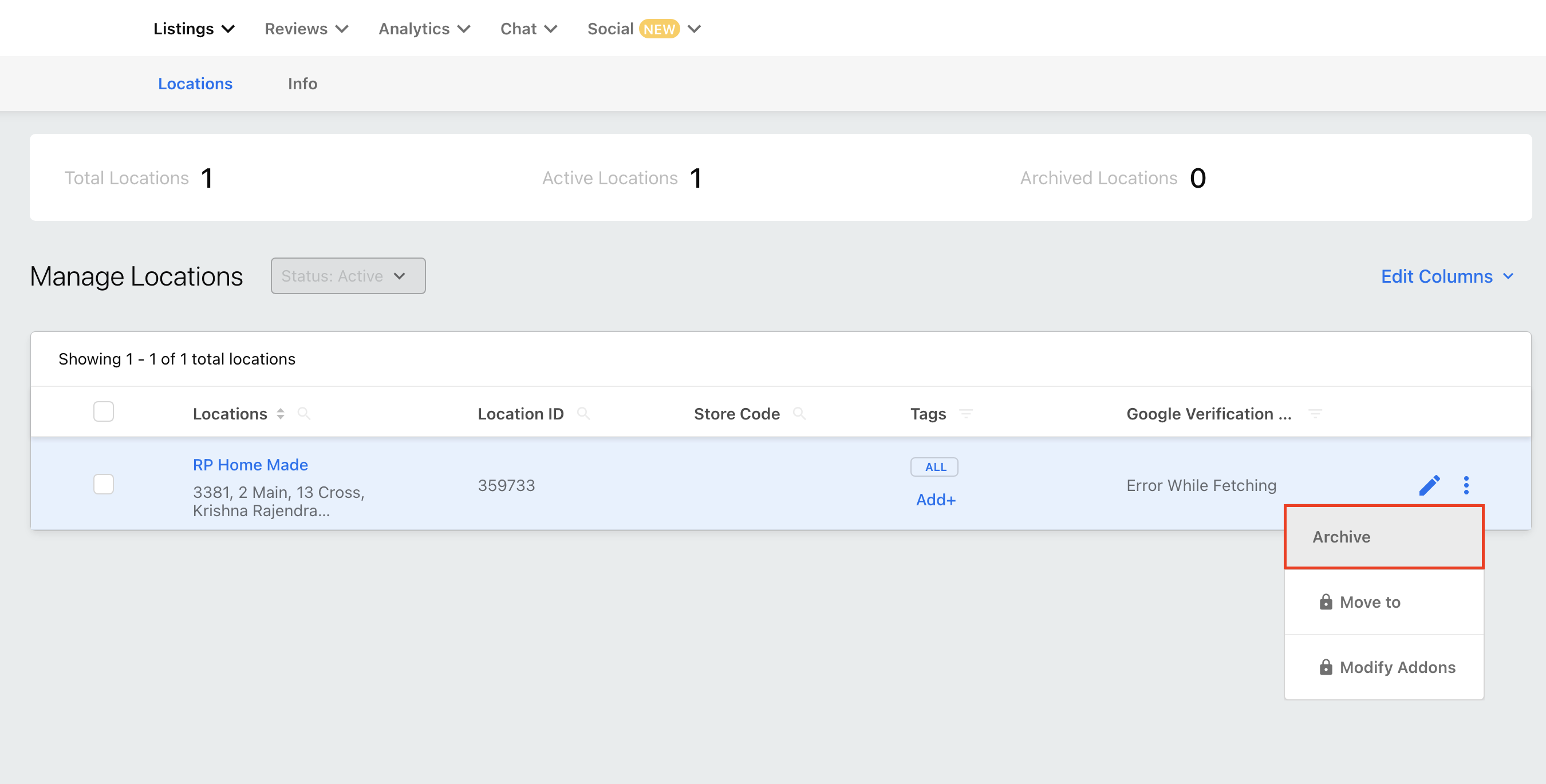
Freemium Locations can be archived by the Admin User of an Agency Account.
Note: All freemium locations get archived immediately. When a freemium location is archived, the associated Freemium user will also be archived.
Archiving Freemium Location
Access the Location Manager from your dashboard. You can view all Freemium Locations by using the Filters displayed at the top of your Location Manager. Click the Filter drop-down and choose the option Package: Freemium.
Select the Freemium Locations you want to archive and click the More Actions button.
Select Archive Locations from the drop-down menu.