Your Freemium Client can request an upgrade to Premium directly from their dashboard by clicking request access and request callback displayed under the premium features locked for the location.
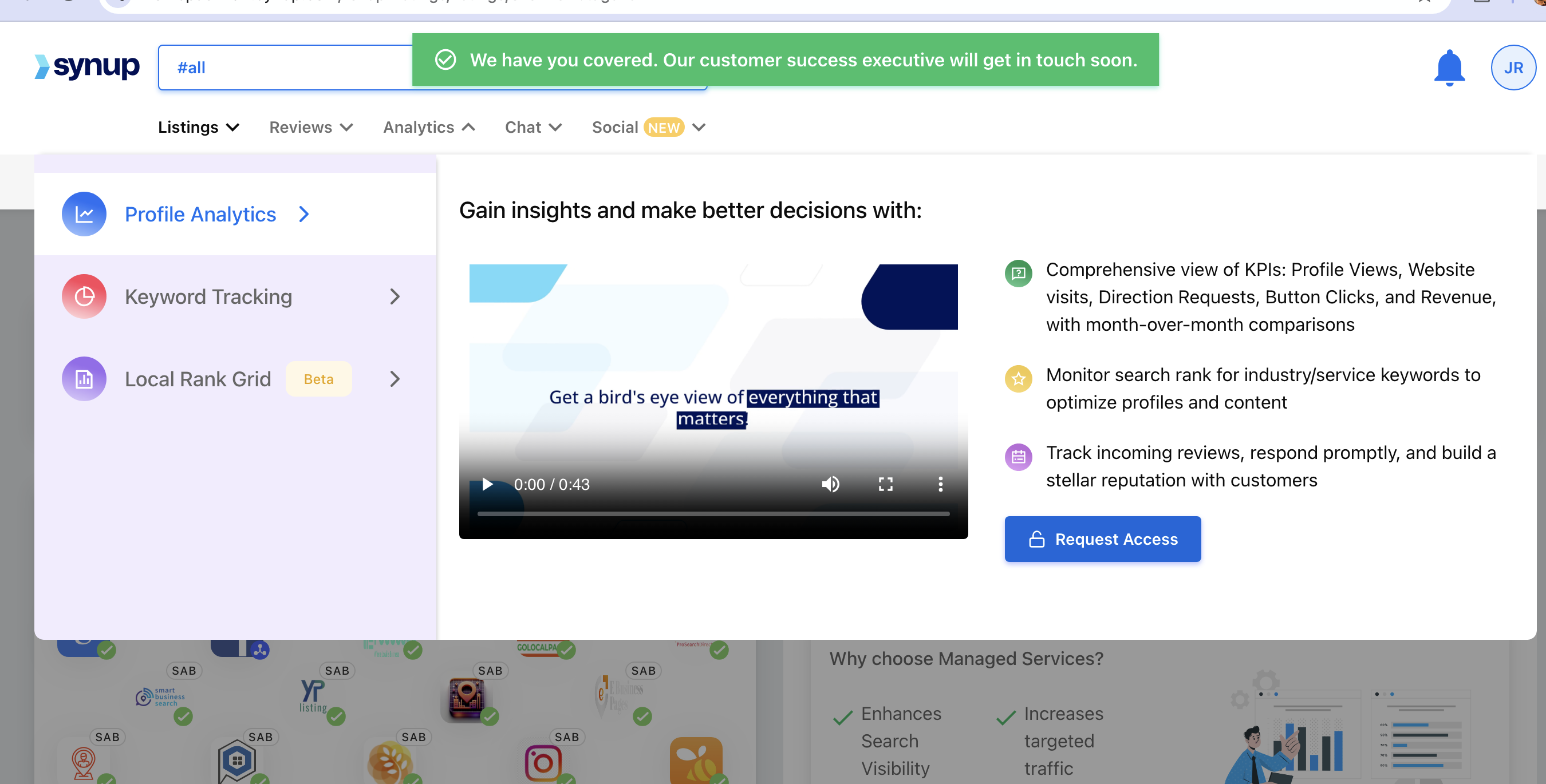
When a Freemium client user clicks the Upgrade button, you (as an admin of your Agency Account) will receive an email notification.
To Activate Premium for a Single Location
Click the link in the email notification received. This will redirect you to the Location Manager on your dashboard.
Access the Freemium Client’s Location you want to upgrade to Premium and click the More Actions button (indicated by three vertical dots).
Click Upgrade Locations to confirm your action.
To Activate Premium for Multiple Locations
Click the link in the email notification received. This will redirect you to the Location Manager on your dashboard.
Select multiple locations you want to upgrade to Premium and click the More Actions button displayed in the overhead action panel.
From the drop-down menu click Upgrade Package.
Click Upgrade Locations to confirm your action.