How to monitor & configure your pipeline
The Sales Pipeline feature in Synup OS helps you track every stage of your deals, prospects, and revenue opportunities. By monitoring your pipeline, you can evaluate performance, identify bottlenecks, and forecast revenue more accurately. You can also configure the pipeline to align with your unique sales process.
This article covers how to:
Access and monitor your sales pipeline
Customize pipeline stages
Manage deal progress and forecasting
Monitoring Your Sales Pipeline
Navigate to the Sales Pipeline
From the left-hand menu, go to Sales Pipeline.
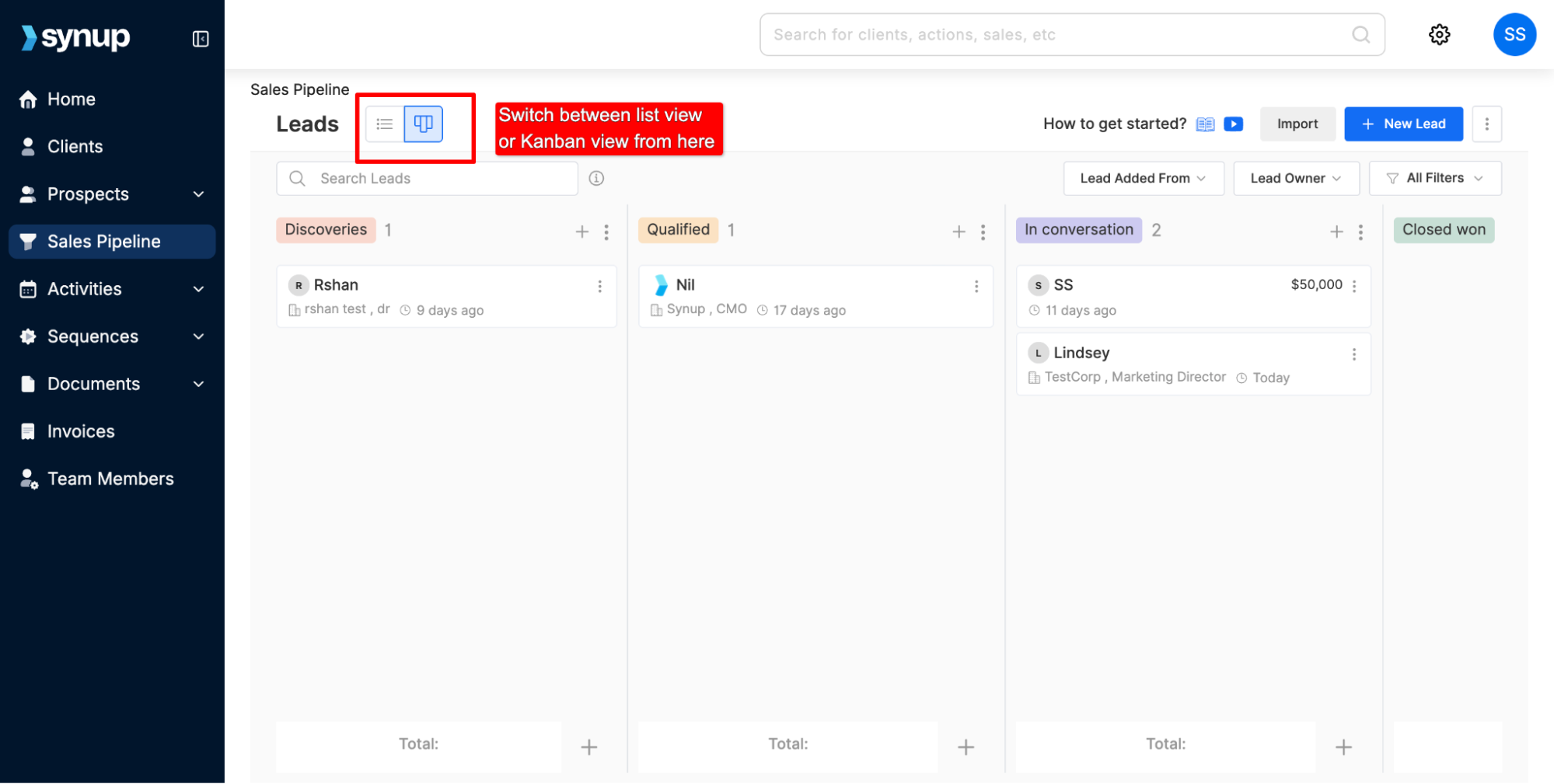
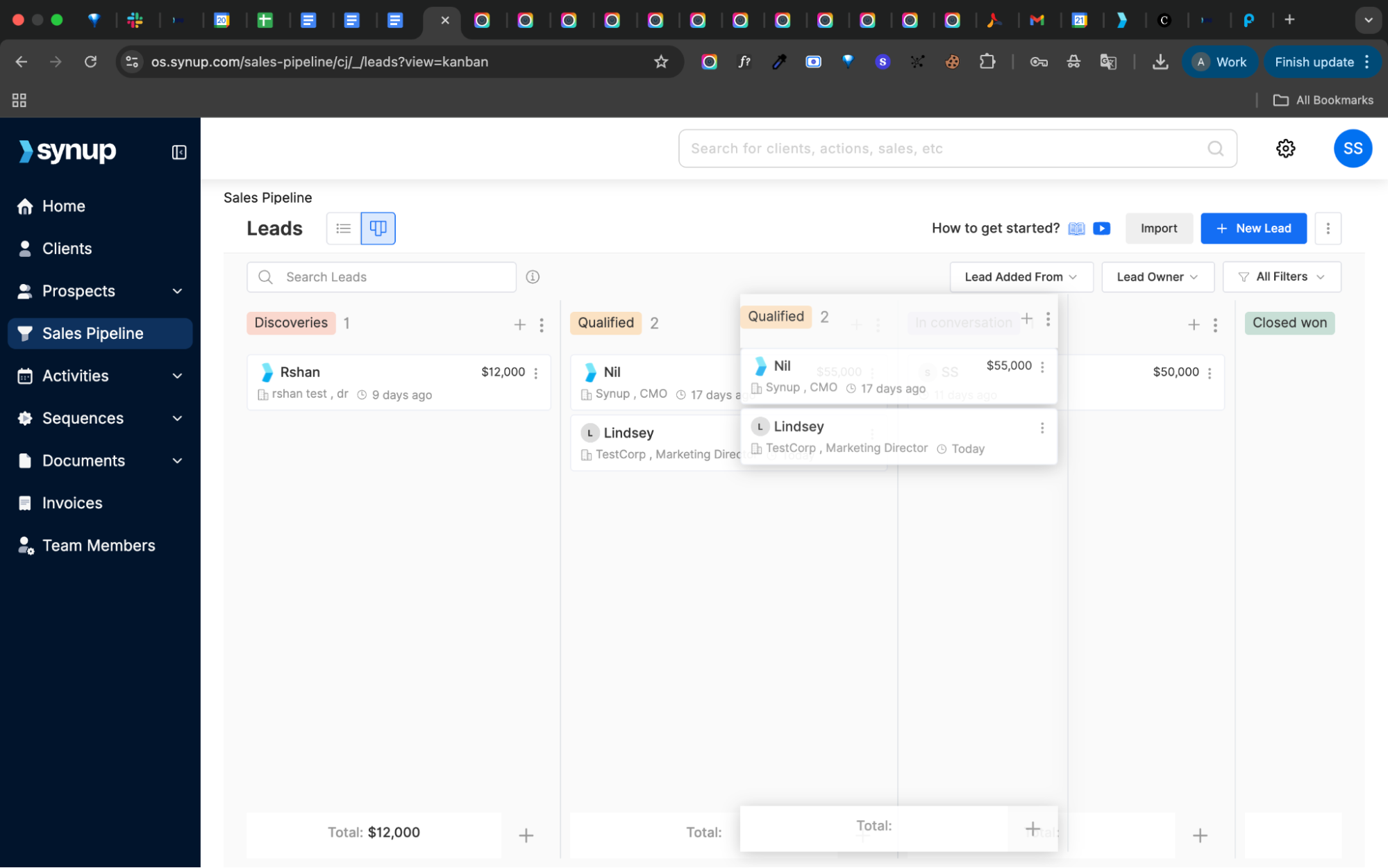
You’ll see a visual pipeline view showing deals at every stage. You can switch to either a list view or a Kanban view of the pipeline stages.
View Deal Stages and Progress
Each deal card includes details such as prospect name, company, deal value, stage, and lead creation date.
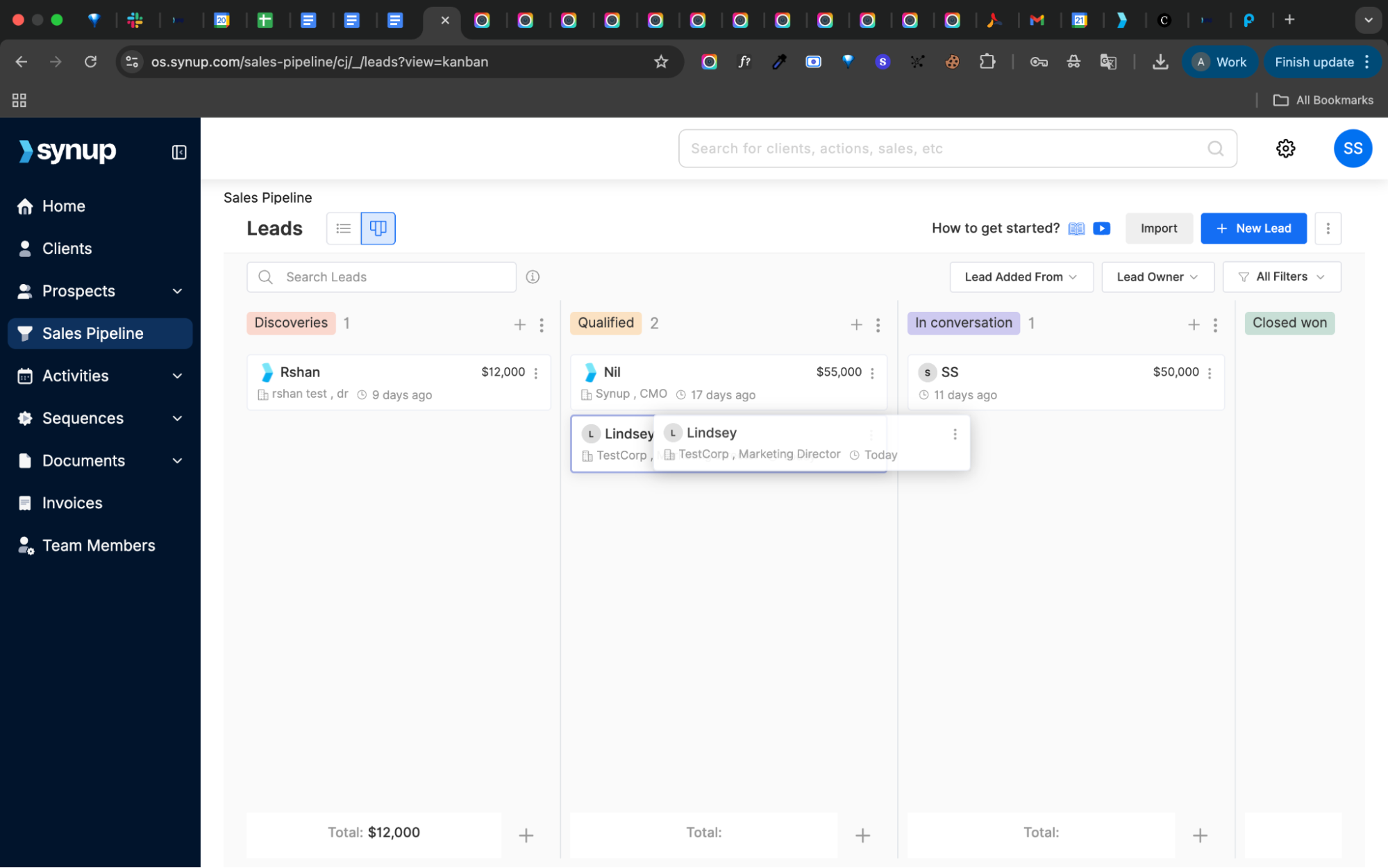
Long-press on any lead, and drag and drop between stages as they move through your sales process.
Filter and Search
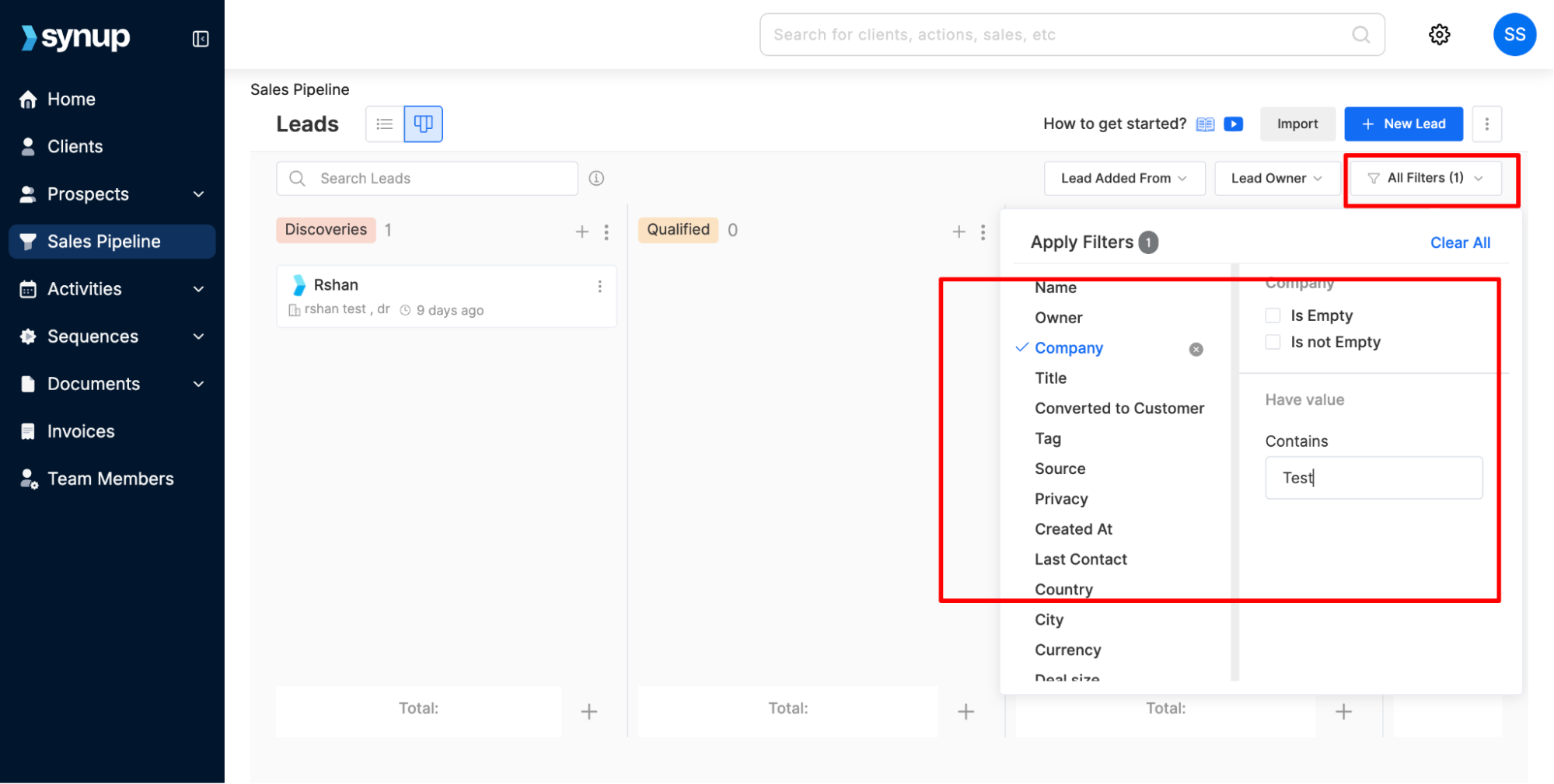
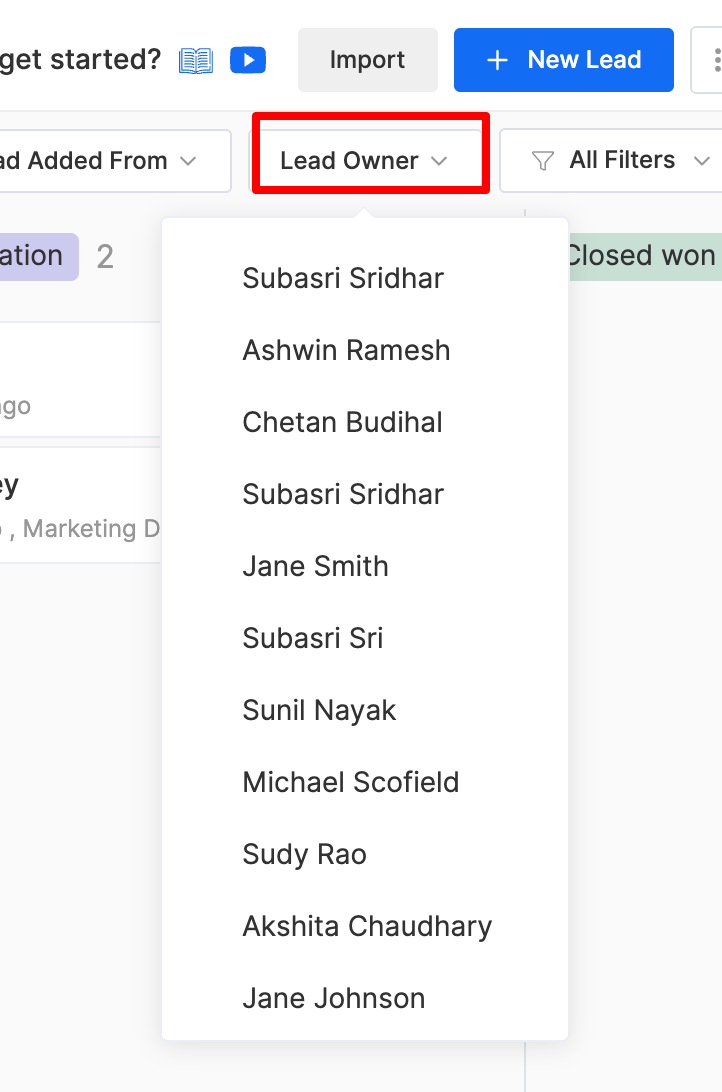
Use filters to view deals by lead owner, lead source, and multiple other filtering criteria.
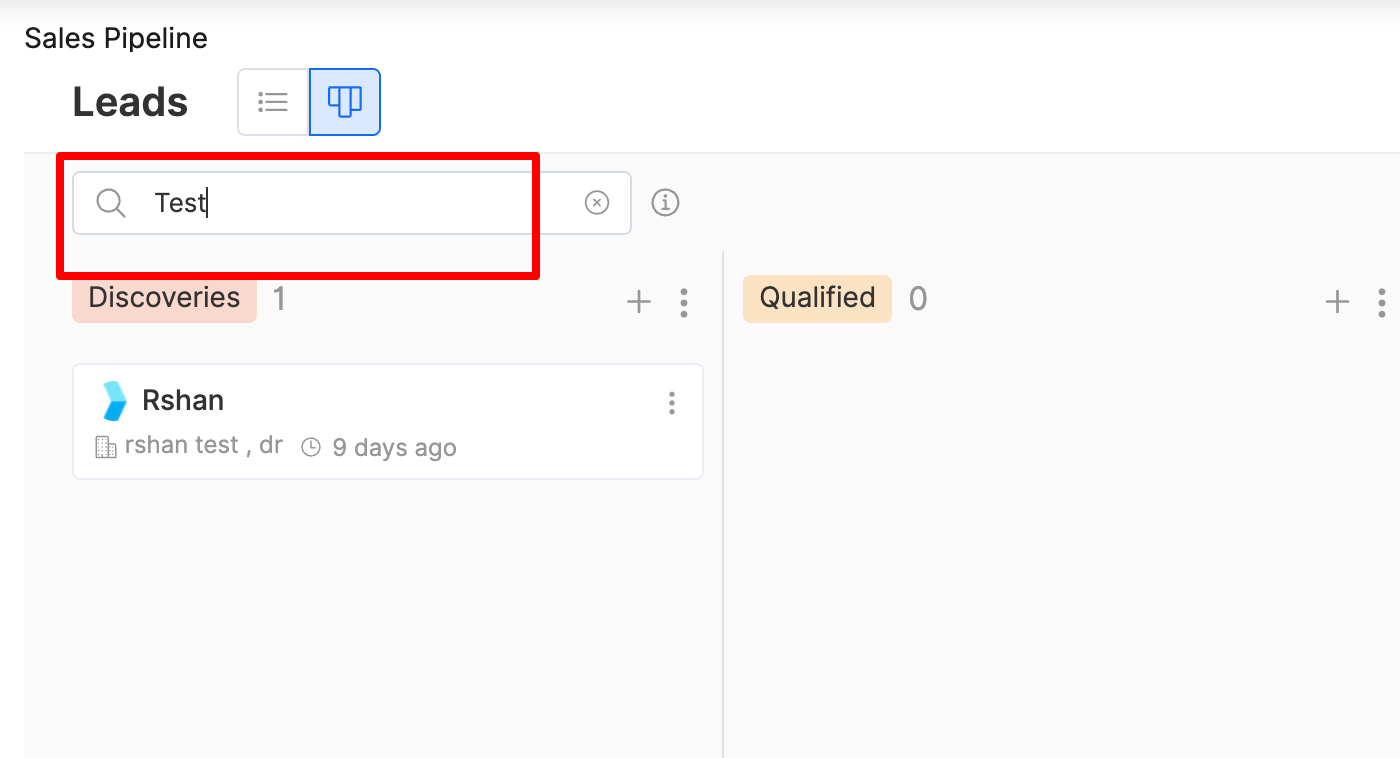
The search bar allows you to find specific deals quickly.
Track Deal Value
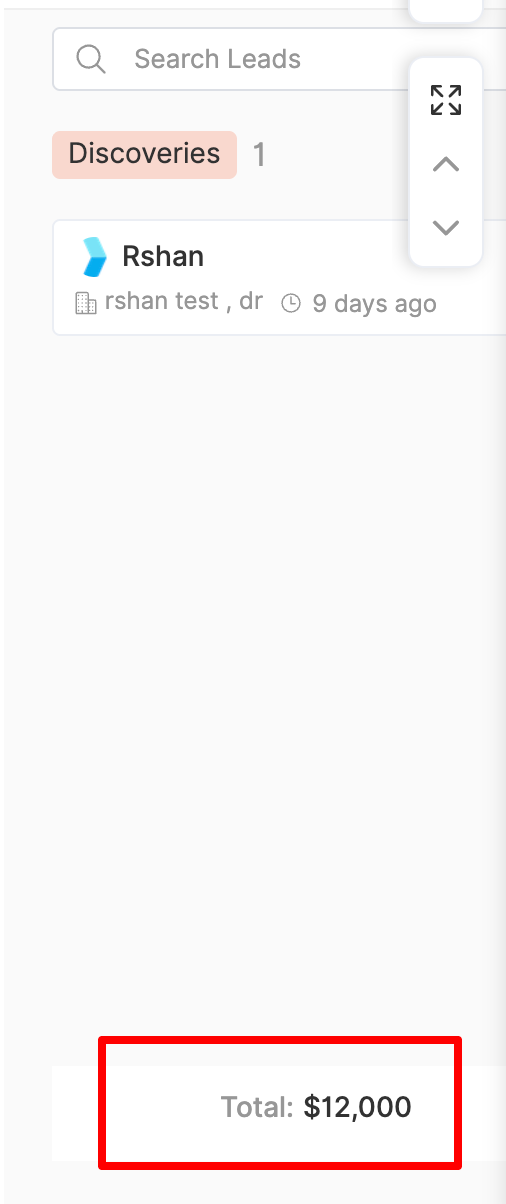
At the bottom of every stage, you’ll see the total pipeline value in that stage.
These help in forecasting and prioritizing opportunities.
Configuring Your Sales Pipeline
Customize Stages
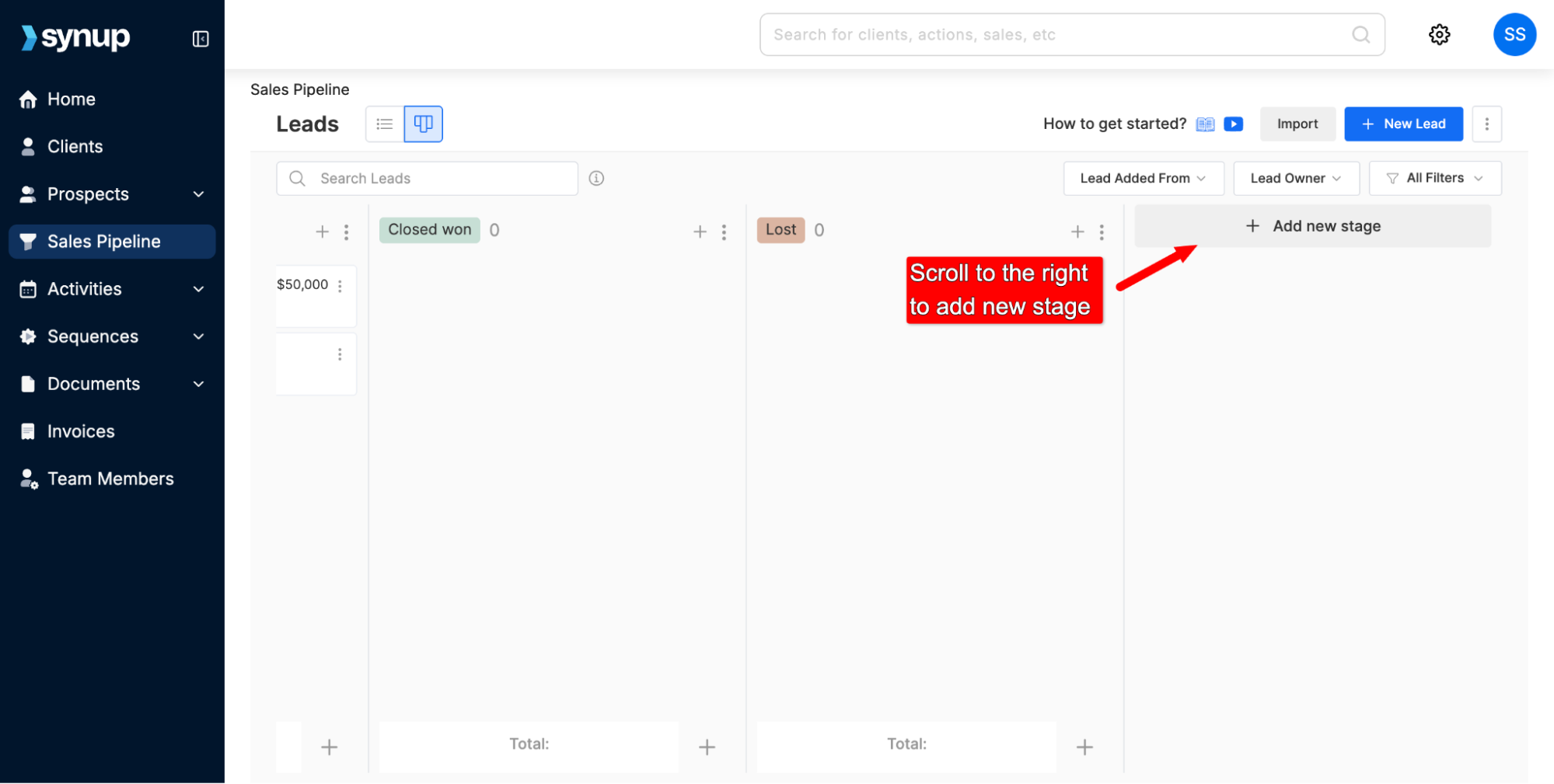
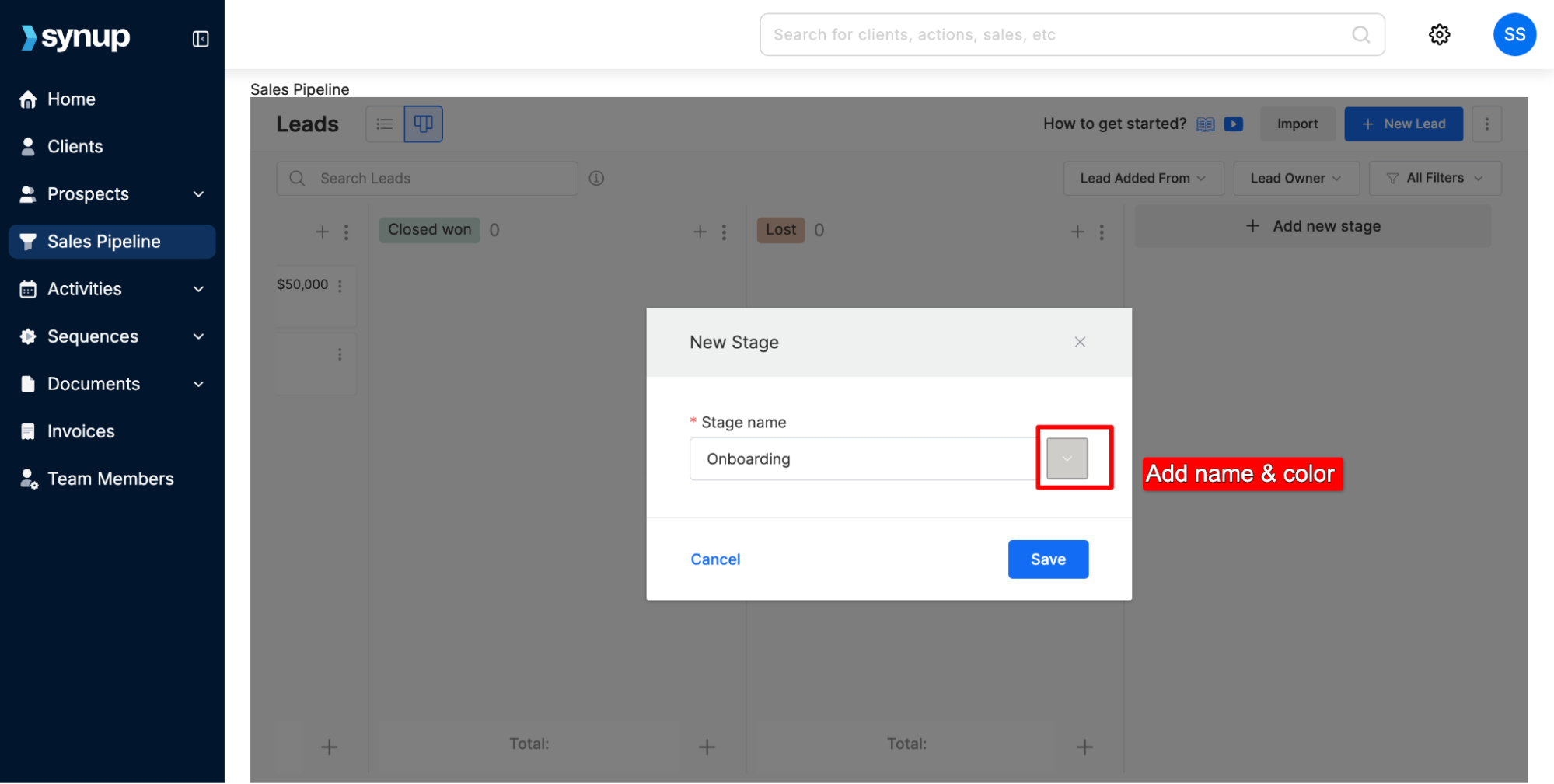
You can add, remove, or update stages to reflect your sales cycle.
For each stage, you can set a custom name and color.
Reorder Stages
Drag and drop stages to adjust the flow of your pipeline.
Ensure the order reflects the real-world movement of deals in your agency.
Read More: How to add new leads to your sales pipeline
Best Practices
Review your pipeline weekly to identify stalled deals.
Adjust stage probabilities based on historical win rates.
Encourage your sales team to update deals in real time to maintain accurate forecasting.
How to monitor & configure your pipeline
Last updated April 29, 2026 · 2 min read
Was this article helpful?